
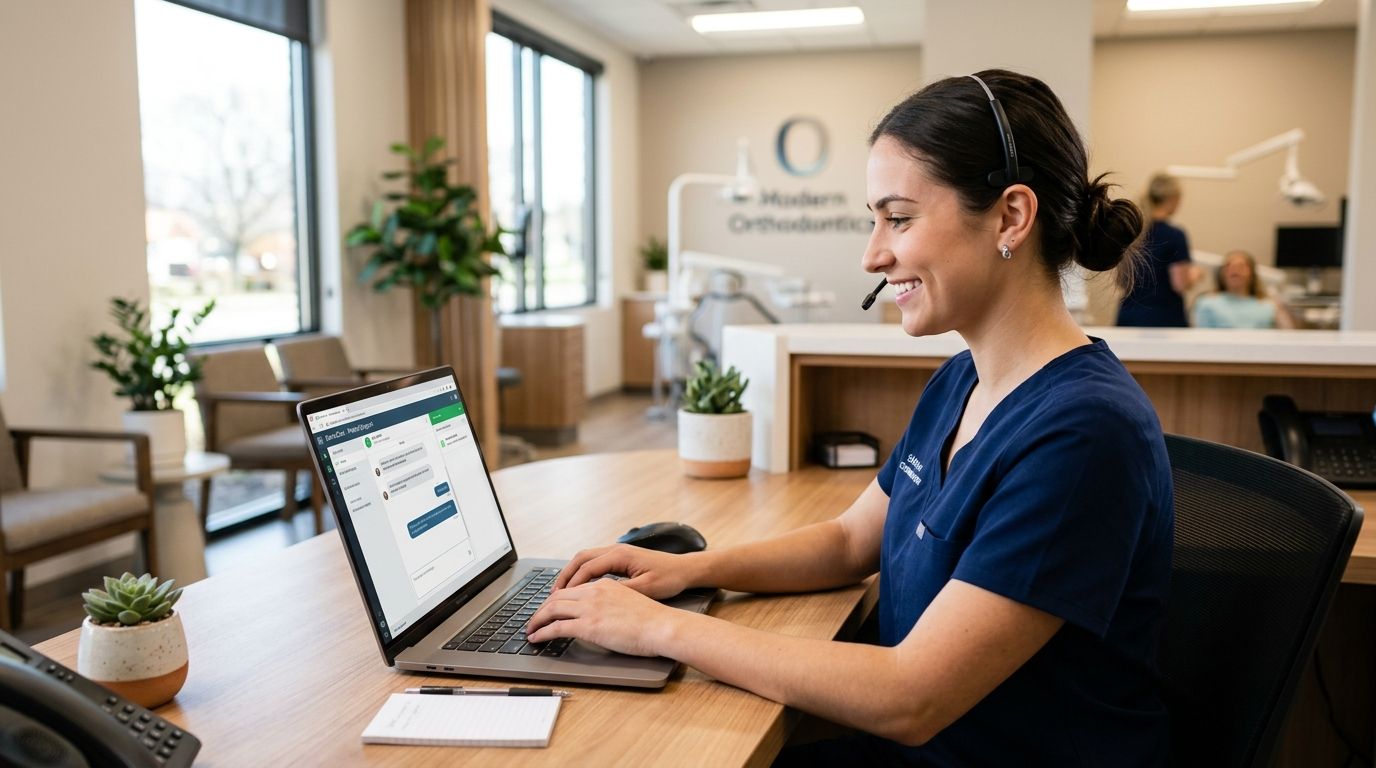
Live chat software for orthodontic practices is a website chat widget tied to a shared team inbox that catches new-patient questions, consultation requests, and Invisalign pricing questions the moment they land on your site, instead of losing them to a full voicemail box. Orthodontic shoppers behave differently than a plumbing or HVAC lead: they compare two or three practices, ask about payment plans, and often decide as a family after business hours — which means the chat has to work at 8pm on a Tuesday, not just 9-to-5.
- Live chat software for orthodontic practices works best when webchat, SMS, and a shared inbox run as one system, not separate tools.
- VirtualText adds webchat, texting, and an AI agent to a practice site, backed by a 14-day money-back guarantee.
- Generic help-desk chat widgets miss orthodontic-specific triage like Invisalign pricing questions and insurance verification.
- Pairing live chat with appointment reminder texts cuts more missed consults than chat alone.
- Practices routing chat into a shared inbox respond faster than practices relying on one front-desk phone line.
Why live chat software matters for orthodontic practices
A new-patient inquiry for braces or Invisalign rarely gets decided on the first call. Parents research two or three practices, often in the evening after work and school, and they're comparing consultation availability, payment plan flexibility, and how fast someone answers a question. If your site only offers a phone number, every one of those after-hours visitors either leaves without contacting you or waits until morning to call — by which point they've already messaged a competitor.
A front desk answering phones during clinic hours has no way to catch that 9pm chat. Live chat software closes that gap by giving the website itself a way to answer, log the lead, and hand it to a human the next morning without anything falling through. For a single-location practice competing against three other orthodontists in the same zip code, that response speed is often the entire difference between booking the consult and losing it.
Step 1: Audit your current after-hours coverage
Before adding any tool, find out how much you're actually missing. Most practices underestimate this until they check.
- Pull your call log and flag calls that came in after 6pm or on weekends
- Check whether your website has any way for a visitor to ask a question outside office hours
- Ask your front desk how many voicemails go unreturned same-day
- Note whether your scheduling page requires a phone call to book, with no online or chat alternative
- Look at your Google Business Profile messages, if enabled, for unanswered questions
Step 2: Add a webchat widget to scheduling and consultation pages
Start with the free or low-cost route: most website builders and some practice management platforms include a basic chat widget you can turn on without new software.
- Place the widget on your homepage, consultation page, and Invisalign/braces comparison pages specifically — those get the most pre-decision traffic
- Set a visible "we typically reply within X" expectation so visitors don't assume it's live 24/7 if a human isn't watching
- Pre-load 2-3 canned openers like "Ask about consultation availability" to reduce blank-box hesitation
- Test the widget on mobile first — most orthodontic research happens on a phone
Once a practice outgrows a bare-bones widget — usually when chats start arriving faster than staff can watch them — a dedicated platform like VirtualText's live chat software for dental practice websites adds routing, canned replies built for dental-adjacent questions, and a shared inbox so no chat sits unanswered because the one person watching it stepped away.
Step 3: Route website chats and texts into one shared inbox
A chat widget that only one staff member can see is a bottleneck. The fix is combining webchat, SMS, and email lead forms into a single inbox your whole front desk can work from.
- Assign chat and text replies to specific staff by time block, not "whoever's free"
- Set an internal rule: no chat sits unanswered for more than one business hour
- Tag conversations by type (new patient, existing patient, billing) so nothing gets buried
- Log every chat-to-consult conversion so you know which channel actually books appointments
VirtualText's healthcare-focused live chat software merges webchat and SMS into one shared inbox built for exactly this — multiple staff working the same queue without duplicate replies or dropped threads.
Step 4: Turn on an AI agent for routine questions
Routine questions — "do you take my insurance," "how much is Invisalign," "are you open Saturdays" — don't need a human every time, especially at 9pm.
- Draft answers to your 10 most common consult-stage questions before turning on any AI agent
- Set clear handoff rules: pricing specifics, treatment plan questions, and anything emotional go to a human, not the AI
- Review AI-answered chats weekly for the first month to catch wrong or outdated answers
- Keep the AI's tone plain and reassuring — parents are already anxious about cost and treatment length
An AI agent answering after hours means a parent researching Invisalign at 10pm gets a real answer instead of a contact form that goes nowhere until Monday.
Step 5: Send appointment reminder texts alongside live chat
Chat wins the lead; texting keeps the booked consult on the calendar. Orthodontic no-shows are expensive because consult slots are limited and hard to refill same-day.
- Send a confirmation text within minutes of booking through chat
- Follow with a reminder 24-48 hours before the appointment
- Include a simple reply option ("Y to confirm, call to reschedule") rather than a link
- Track no-show rate before and after adding reminder texts to see if it's working
See how to send appointment reminder texts that reduce no-shows for the message cadence that tends to hold up best for healthcare-style scheduling.
Step 6: Cover the hours your front desk can't
Evenings, weekends, and lunch breaks are when a lot of consult research happens and when your phone line is least staffed.
- Confirm your after-hours coverage — chat, AI agent, or both — actually runs on evenings and weekends, not just weekdays
- Set expectations in the chat widget for response time outside business hours
- Review after-hours conversation logs each Monday to catch anything the AI mishandled
A practice with real after-hours coverage, built around after-hours lead capture software for healthcare providers, stops losing consults to whichever competitor answers first.
Step 7: Measure booked consults, not just chat volume
Chat count is a vanity metric. What matters is how many chats turn into scheduled — and kept — consultations.
- Track chat-to-consult conversion rate monthly, not just total chats
- Compare consult show-rate for chat-sourced leads against phone-sourced leads
- Flag any staff member whose average response time is dragging the team down
- Revisit your canned answers quarterly as pricing, insurance panels, or hours change
Comparing live chat options for orthodontic practices
| Option | Best for | Key limitation |
|---|---|---|
| Website builder's built-in chat widget | Practices testing chat for the first time | No shared inbox, no SMS, no AI handling |
| Generic help-desk chat tool (built for e-commerce/SaaS) | Practices that already use it for another department | Not built for appointment or insurance-style questions, clunky for dental terminology |
| Answering service (human, phone-only) | Practices that want zero chat and only phone coverage | Misses the website visitor entirely — no chat, no text |
| VirtualText webchat, SMS, and AI agent | Practices wanting webchat, texting, and after-hours AI coverage in one inbox | Requires initial setup of FAQ answers and handoff rules to work well |
Verdict: a bare website widget is fine for testing, but a practice serious about not losing after-hours consults needs webchat, texting, and a shared inbox running together — which is the gap a combined platform like VirtualText is built to close.
See live chat built for dental practices
Webchat, texting, and a shared inbox in one system.
Common mistakes orthodontic practices make with live chat
- Routing chat replies to a single staff member's personal login instead of a shared inbox, so it dies the day that person is out
- Leaving the widget on with no after-hours coverage, which trains visitors to expect a reply that never comes
- Skipping FAQ prep for Invisalign vs. braces and insurance questions, forcing every chat to escalate to a human anyway
- Treating webchat and appointment reminder texts as separate tools run by different staff, which breaks the lead's experience between first contact and booked visit
- No handoff rule from an AI agent to a human, so pricing-sensitive or emotional questions get a canned answer instead of a person
FAQ
What is the best live chat software for orthodontic practices in 2026?
The best option combines webchat, SMS texting, and a shared team inbox rather than running chat as a standalone widget. VirtualText packages all three together with an optional AI agent for after-hours questions, which matters most for practices losing evening and weekend consult inquiries.
Is live chat better than a phone-only front desk for an orthodontic practice?
Live chat catches visitors who won't call, especially parents researching treatment options after work hours. It doesn't replace the phone line — it adds a second channel for the growing share of research that happens on a website before anyone dials.
Can AI handle orthodontic patient questions accurately?
An AI agent handles routine, repeatable questions well — hours, insurance panels, general Invisalign vs. braces pricing structure — but should hand off anything specific to a patient's case or anything emotionally sensitive to staff. Weekly review of AI-answered chats in the first month catches wrong answers early.
Does live chat software integrate with appointment reminder texts?
Yes, when the webchat and SMS run through the same platform. A shared system lets a chat-booked consult automatically get a confirmation and reminder text, which reduces no-shows compared to running chat and reminders as separate tools.
How much staff time does live chat software require?
Less than a phone line if it's routed into a shared inbox with an AI agent handling routine questions first. Staff time goes toward reviewing flagged conversations and answering escalated questions, not watching a queue all day.
Is there a trial or guarantee before committing to live chat software?
VirtualText is backed by a 14-day money-back guarantee, so a practice can test webchat, texting, and the shared inbox against real website traffic before deciding to keep it.
What's the difference between live chat and an AI chatbot for a dental or orthodontic site?
Live chat is the widget and inbox infrastructure; an AI agent is what answers inside it when no staff member is available. Most 2026 setups combine both — a human-monitored inbox during business hours and an AI agent answering routine questions after hours.
One last thing
The practices that get the most out of live chat aren't the ones with the fanciest widget — they're the ones that actually route chat, text, and consult booking through one inbox instead of three disconnected tools. A chat widget nobody watches after 6pm is worse than no chat at all, because it sets an expectation the practice then breaks. Fix the routing and after-hours coverage first; the software choice matters less than whether someone, or something, is actually answering.


