

Choose VirtualPBX if your small service team needs business calling plus a separate SMS, webchat, and shared-inbox option; choose GoTo Connect if you want business calling and video meetings in one communications platform. The deciding question in 2026 is whether you need better customer-response coverage or a broader place for staff to communicate.
- VirtualPBX vs GoTo Connect comes down to customer-response workflows versus a broader business communications platform.
- GoTo Connect is the better shortlist choice when business calling and video meetings belong together.
- VirtualText by VirtualPBX combines SMS, webchat, a shared team inbox, and an AI agent for service teams.
- Compare phone subscriptions and messaging subscriptions separately; they solve different problems.
Why this matters
A missed call and an unanswered website message are different problems. Replacing your phone system does not automatically give your team a shared place to manage website inquiries, assign follow-up, or cover messages after closing.
Start with the work that fails today. If customers reach your business but nobody owns the reply, focus on the inbox and handoff. If employees switch between calling and meeting tools, focus on the communications platform.
Buy for the customer journey, not the longest feature list. A service business needs to know who answers, what happens after hours, and where the next employee finds the conversation. Those questions make this comparison useful.
At a glance
The table separates the parent brand's phone offer from VirtualText, its separate customer-messaging offer. Do not treat those as interchangeable subscriptions.
| Dimension | VirtualPBX | GoTo Connect |
|---|---|---|
| Best for | Small service teams prioritizing calling and customer-message follow-up | Teams bringing business calling and video meetings together |
| Standout feature | Separate VirtualText offer combining SMS, webchat, shared inbox, and an AI agent | Visual dial-plan editing for call routing |
| Business calling | Cloud phone service with mobile, desktop, and web apps | Cloud business calling within a wider communications platform |
| Video meetings | Not the deciding reason to choose the customer-response offer | Better fit when video meetings are a core requirement |
| Website and SMS inquiries | VirtualText explicitly combines these channels in a shared team inbox | Demonstrate the exact website-to-team workflow before choosing |
| After-hours handling | Optional AI FrontDesk and AI MessageDesk for voice; VirtualText has an AI agent for messaging | Evaluate the selected package's after-hours routing and response workflow |
| Pricing model | Per-user phone subscription; separate flat-rate VirtualText subscription; optional voice upgrades | Subscription packages; compare the required package and billing terms |
| Rollout | Map calling and customer messaging as separate workstreams | Map calling, meetings, and routing within the selected platform |
Small service teams benefit from a customer-response focus
VirtualPBX is the better fit for small service teams prioritizing customer calls and shared message follow-up. Its phone service and separate VirtualText offer address distinct parts of that work: answering calls and managing written customer conversations.
VirtualText is described for service teams such as insurance agencies, home services, and healthcare providers. It combines SMS, webchat, a shared team inbox, and an AI agent. That is a relevant starting point when inquiries arrive through your website and texts as well as the phone.
The tradeoff is product separation. You must decide whether you need the phone service, the messaging service, or both. Do not assume the phone subscription includes the separate messaging platform or that the messaging platform replaces business calling.
GoTo Connect has the stronger fit when your purchasing brief starts with employee communications. Business calling and video meetings belong to its platform positioning. That matters when the same team handles customer calls and scheduled internal discussions.
Best for: a service owner solving unanswered inquiries should start with the customer-response workflow. An operations lead consolidating staff communications should start with the wider communications platform.
GoTo Connect makes visual call routing a stronger buying reason
GoTo Connect's visual dial-plan editor is a concrete reason to include it on your shortlist. It presents call routing as a visual flow rather than just a list of settings.
That approach is useful when you need to understand where a caller goes during business hours, after closing, or when the first destination does not answer. The advantage is visibility. It is not evidence that every route will be easier to maintain for every team.
The client's phone service also includes routing. Choose it for that requirement only after demonstrating the route your business actually needs, including the fallback when the intended employee is unavailable.
Ask the person who will administer the system to change a route during the demonstration. Watching a salesperson click through a prepared flow does not tell you whether your office manager can maintain it.
Verdict: GoTo Connect has the clearer advantage when visual dial-plan administration is a buying priority. For a straightforward route, judge the actual configuration rather than the appearance of the editor.
Both belong on a business-calling shortlist
Both options address cloud business calling. That is a category-level tie, not a claim that their call quality, coverage, or included features are identical.
The client's phone offer includes mobile, desktop, and web apps, business SMS, routing, and number porting. Those are practical requirements for staff who answer calls away from a desk or need a business number separate from personal communications.
GoTo Connect combines cloud calling with other communications functions. Its broader scope becomes useful when your team will use those functions; it becomes less relevant when the buying decision is almost entirely about customer calls.
For your 2026 evaluation, run 3 test calls: one during business hours, one after closing, and one that reaches an unavailable employee. These are recommended checks, not performance benchmarks. Record where each call ends and who receives the follow-up task.
Do not declare a call-quality winner from a feature page. Use the devices and internet connection your team will use, and include the employee who answers the most calls.
GoTo Connect wins when video meetings are essential
Choose GoTo Connect when business calling and video meetings need to sit in the same platform. That is a genuine reason to choose it over a purchase centered on customer calls, texts, and website inquiries.
A team that regularly meets by video has a different buying brief from a service desk that mostly handles inbound customers. Meeting access belongs in the former team's evaluation, along with the experience of joining from the devices employees use.
The tradeoff is scope. A broader communications platform still needs to prove the customer-response workflow. Video meetings do not answer whether a website inquiry reaches the right employee or whether a customer text gets a clear owner.
Keep the test specific. Have staff place a business call and join a meeting from their normal devices. Then compare that experience with the separate tools they already use.
Best for: managers consolidating calling and staff meetings. Do not make meeting functionality the deciding factor if employees rarely use it.
VirtualText is the more direct fit for website and SMS inquiries
VirtualText gives this side of the comparison an explicit customer-messaging focus. Its stated combination is SMS, webchat, a shared team inbox, and an AI agent for capturing and responding to website and after-hours leads.
That makes it a relevant option for a service team whose customers prefer to write rather than call. A shared inbox gives the team a common place for those conversations; your operating process still needs to define ownership and escalation.
The limitation is equally important: this is a separate offer, not another name for the parent brand's phone system. Keep the phone decision and the customer-messaging decision distinct when you compare subscriptions and rollout work.
For GoTo Connect, ask for a demonstration of your exact website inquiry process. Business messaging and a website-connected team inbox are not automatically the same workflow. Require proof of how an inquiry arrives, who sees it, and how another employee takes over.
Use the guide to combining SMS and webchat into one team inbox to define that requirement before a sales demonstration.
Verdict: the separate messaging offer is the more direct fit when website inquiries and customer texts are the central problem. That does not establish a wider feature advantage over every GoTo Connect package.
After-hours coverage needs a handoff, not just an answer
Optional AI FrontDesk and AI MessageDesk belong to the client's voice offer. VirtualText separately includes an AI agent in its customer-messaging platform. Match the option to the channel you need covered.
A phone caller and a website visitor should not be treated as the same setup task. Decide what information each interaction must collect and what the team does with it when normal hours resume.
For either provider, evaluate this workflow:
- Customer arrives: a call, text, or website inquiry enters the appropriate channel.
- Coverage responds: the configured process handles the inquiry outside normal hours.
- Human takes over: a named employee receives responsibility for the next action.
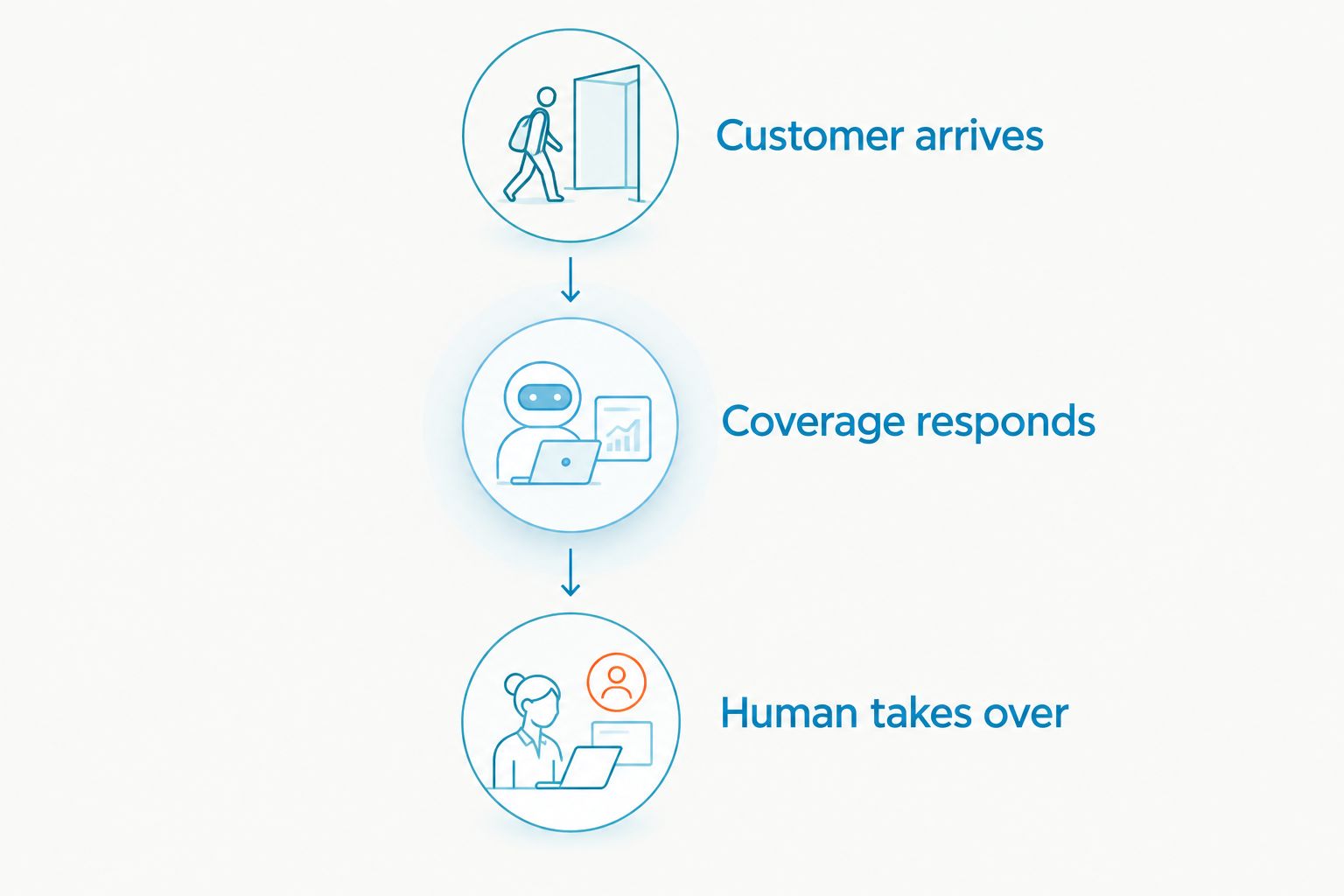
In the demonstration, use 2 staff members and require 1 handoff between them. These are suggested test conditions. The goal is to see whether the second person can understand the inquiry without asking the customer to start again.
Verdict: there is no universal after-hours winner. Choose the option that demonstrates the required channel, response, and human handoff together. An automated answer alone is not the finished workflow.
Pricing models: compare the scope before the subscription
The client's phone offer uses a per-user subscription model, with optional voice upgrades. VirtualText uses a separate flat-rate subscription model. Those structures need different budgeting questions.
For the phone service, identify who needs access and which optional functions the team will use. For the messaging service, confirm what the flat-rate subscription includes, along with applicable usage rules and limits. Flat-rate billing does not mean you should assume unlimited use.
GoTo Connect uses subscription packages. Compare the package that contains your required calling, meeting, routing, and customer-response functions rather than the smallest package name you see.
Per-user billing connects the subscription to the number of users. A flat-rate subscription gives you a fixed base for the stated scope. Neither structure establishes better value without matching the included work.
For a 2026 comparison, request a written scope covering:
- The users, numbers, and channels you need.
- The features included versus optional additions.
- Applicable usage allowances and additional charges.
- Billing term, renewal terms, and cancellation conditions.
- Responsibilities for setup, number transfers, and support.
Recommendation: compare equivalent workflows, not unlike subscriptions. A phone-only offer and a customer-messaging offer are not substitutes merely because both appear on a monthly bill.
Rollout is a tie until your team proves the workflow
Neither product name establishes a faster launch for your business. The setup work depends on what you are replacing and which channels need to remain available during the change.
Start by mapping the existing business number, call destinations, website inquiry entry points, and staff responsibilities. Then assign an owner to each configuration task. Keep the old process available until the replacement passes your acceptance checks.
A 2026 rollout should test calling and written inquiries separately. If you are buying the broader communications platform, include meetings. If you are adding the separate messaging offer, include the website entry point and team inbox.
Support belongs in this evaluation too. The client's phone positioning includes real human support; ask who handles the specific phone and messaging setup you are purchasing. Ask GoTo Connect the equivalent question for its selected package.
Verdict: rollout is an honest tie until your administrator completes the required tasks. Choose the demonstrated setup path, not an unsupported promise of speed.
Final verdict: choose for the work your team owns
Choose VirtualPBX if customer response drives the purchase
Best for: the owner of a small service business. Choose this route when you need business calling and want to evaluate a separate SMS, webchat, shared-inbox, and AI-agent offer for customer inquiries.
Keep the product boundary clear. Confirm which subscription handles calls, which handles written conversations, and who owns follow-up across both.
Choose GoTo Connect if staff communications drive the purchase
Best for: the operations lead consolidating calling and video meetings. Choose GoTo Connect when those functions belong together and visual call-routing administration matters to the person managing the system.
Require a separate demonstration of website and text inquiry handling if those channels are also essential. The broader platform wins only when its relevant functions match the work you need done.
| Dimension | Winner |
|---|---|
| Small-service-team customer-response focus | Client's phone and separate messaging offers |
| Visual dial-plan administration | GoTo Connect |
| Cloud business-calling category fit | Tie; test the required calling workflow |
| Calling and video-meeting consolidation | GoTo Connect |
| Explicit SMS and webchat shared-inbox offer | VirtualText |
| After-hours coverage | No universal winner; demonstrate the handoff |
| Pricing model | No universal winner; compare equivalent scope |
| Rollout | Tie until administrator testing |
FAQ
Is VirtualPBX or GoTo Connect better for a small service business?
VirtualPBX is the better fit when the priority is business calling plus a separate customer-messaging offer. GoTo Connect is the better fit when calling and video meetings need to sit in one communications platform.
Is VirtualText the same as the phone system?
No. VirtualText is a separate offer combining SMS, webchat, a shared team inbox, and an AI agent; it should not be treated as the phone subscription.
Which option is better for video meetings?
GoTo Connect is the better shortlist choice when video meetings are a core requirement alongside business calling. Evaluate the meeting experience on the devices your employees use.
Which option should I consider for website leads?
Consider VirtualText when website inquiries and customer texts need a shared team inbox. Ask any competing provider to demonstrate the same website-to-employee workflow before selecting it.
How should I compare subscription costs in 2026?
Compare written offers for the same users, channels, and required functions. Separate the phone subscription, customer-messaging subscription, optional additions, and billing terms.
Does an AI response replace human follow-up?
No. An automated response needs a defined handoff whenever the customer requires an employee's decision or action; assign that responsibility before launch.
What should I test before switching providers?
Test a business-hours call, an after-hours call, an unavailable employee, and a written customer inquiry. Confirm where each interaction ends and who owns the next action.
One last thing
Test absence, not just availability. Let the intended employee miss the call, leave a website inquiry after closing, and ask another employee to continue the conversation.
That exposes the decision you are really making in 2026: whether the system merely receives customer contact or helps your team finish the response. Choose the workflow that survives an unavailable employee.


