
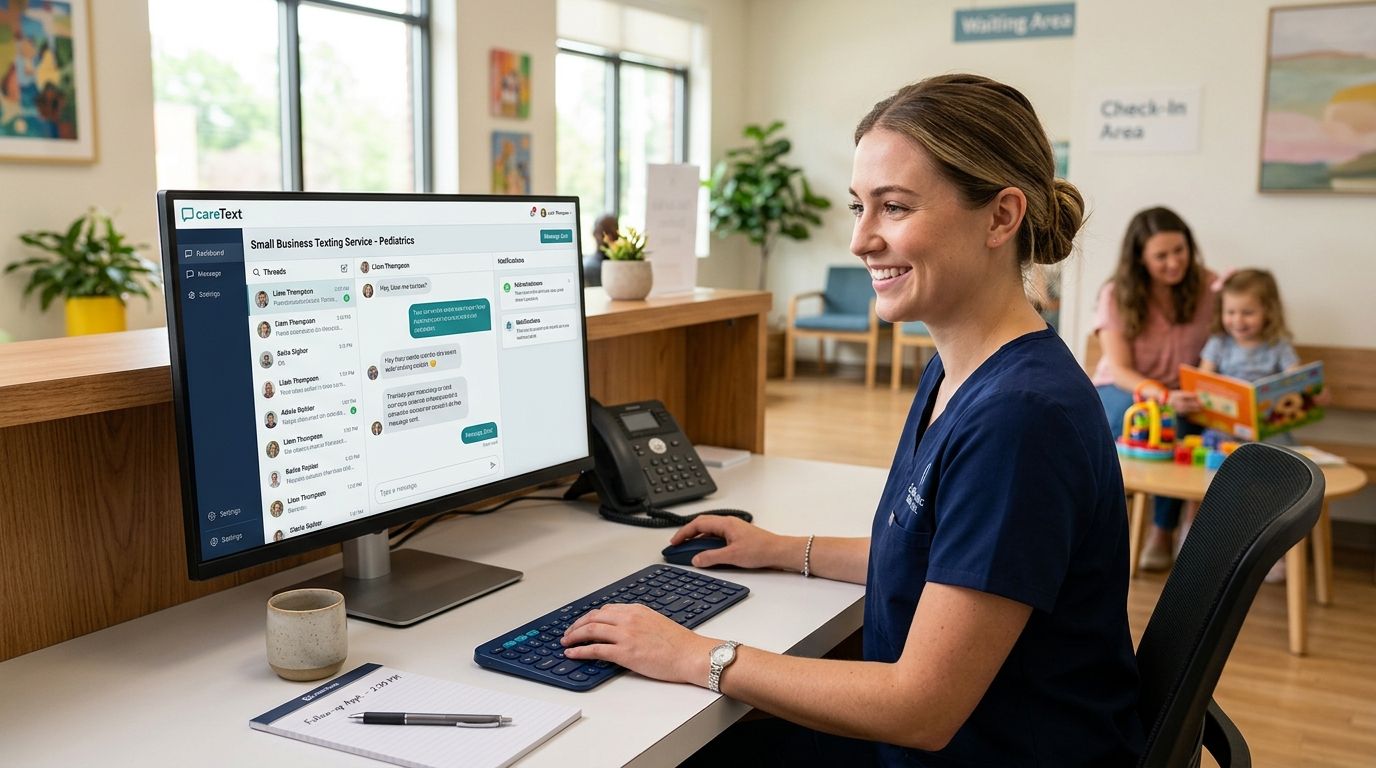
Pediatric clinics field more after-hours messages than almost any other outpatient specialty — a fever at 9pm, a rash photo a parent wants reviewed before Monday, a reschedule because the sitter fell through. Small business texting service for pediatric clinics shopping should start with one question: can this tool route a parent's message to the right staff member without anyone re-typing it into three different apps?
- VirtualText combines SMS, webchat, and a shared team inbox with an optional AI agent — best fit for pediatric clinics juggling multiple front-desk lines.
- Manual staff texting from a personal phone works only for solo practices under roughly 5 after-hours messages a night.
- Appointment reminder texts cut no-shows without adding front-desk hours, a real problem in pediatrics where school and sports schedules cause last-minute cancellations.
- HIPAA and TCPA rules require documented consent before a clinic texts a patient or parent — this is not optional in 2026.
Why texting matters for pediatric clinics
Parents calling a pediatric office after 5pm are usually anxious, in a hurry, or both. A voicemail that says "we'll call you back in the morning" does not solve "is this rash something I should worry about tonight," and it stacks up return-call work for whoever opens the phone lines the next day.
Texting fixes the immediate friction: a parent can send a photo, ask a yes/no question, or confirm a same-day slot without waiting on hold. Clinics that already run a texting service for urgent care clinics report the same pattern pediatric offices see — most after-hours messages are simple triage or scheduling questions, not emergencies, and a fast text reply resolves them without a callback.
The harder part is staffing it. A single front desk can't monitor a personal cell phone all night, and forwarding messages between nurses, schedulers, and billing without a shared inbox creates dropped threads.
Audit your current after-hours message volume
Before picking a platform, count what you're actually dealing with.
- Pull voicemail logs for the past 2-4 weeks and tag each message by type (symptom question, reschedule, billing, prescription refill)
- Note how many messages come in after 5pm versus before opening
- Track how long staff take to return each call the next morning
- Ask front-desk staff how often a parent texts a personal cell number instead of calling
Most pediatric offices find reschedules and simple symptom questions make up the bulk of after-hours contact — exactly the volume a texting workflow handles without a clinician on call.
Set up appointment reminder texts first
This is the fastest win and the one that pays for itself immediately in reduced no-shows.
- Start manually: have front desk send a same-day reminder text to the next day's schedule
- Track no-show rates for two weeks before and after to see the actual change
- Move to automated reminders once volume exceeds what one staffer can send by hand
- Add a two-way option so parents can reply "C" to cancel or ask a quick reschedule question
Clinics that automate this step, following the pattern in how to send appointment reminder texts that reduce no-shows, typically see the reminder do double duty: it confirms the visit and catches reschedules before the slot goes empty.
Add a webchat widget for after-hours website visitors
Parents searching for a new pediatrician at 10pm land on your website, not your phone line.
- Add a simple chat widget so a parent can ask "do you accept new patients" without calling during office hours
- Set an away message that gives office hours and an emergency line number
- Route chat messages into the same inbox as texts so nothing gets missed
- Review chat transcripts weekly for common questions worth adding to an FAQ page
Route messages to the right team member
A pediatric front desk usually splits work between scheduling, billing, and clinical triage. Messages need to land with the right person, not sit in a shared email nobody checks.
- Tag incoming texts by category (scheduling, billing, clinical) as they arrive
- Assign a backup staffer for each category in case the primary is out
- Set internal notes on each conversation so the next person answering has context
- A shared team inbox, like the one described in team inbox software for healthcare front desks, removes the guesswork by showing every open thread in one view instead of split across staff phones
Use an AI agent for repetitive after-hours questions
Once volume grows past what staff can answer live, an AI agent handles the repeatable questions — office hours, insurance accepted, whether same-day sick visits are available — and flags anything clinical for a human.
- Script the top 10 questions parents ask after hours before turning on any automation
- Set clear escalation rules: symptom questions always route to a human, never the bot
- Test the AI agent's replies for tone before launch — parents calling about a sick child notice a robotic response fast
- Review flagged conversations weekly and retrain the script based on what it got wrong
The approach used in AI customer service agent for healthcare clinics applies directly here: the AI agent in VirtualText answers the routine question and hands off anything that needs a clinician's judgment, rather than trying to diagnose over text.
Document consent and stay compliant
This step is not optional and it's not last because it's less important — it's last because it governs every step above.
- Get written or verbal consent before texting any patient or parent, and log when and how it was collected
- Include an opt-out instruction ("reply STOP to unsubscribe") on every automated message
- Never send clinical details over unencrypted SMS beyond what's needed for scheduling
- Review your process against current guidance in how to stay compliant with business texting regulations before turning on any automated campaign
Comparing texting options for pediatric clinics
| Option | Best for | Key limitation |
|---|---|---|
| Staff texting from a personal phone | Solo practices with very low after-hours volume | No shared visibility, mixes personal and business numbers |
| SMS-only reminder tool | Clinics that only need appointment reminders | No webchat, no AI, limited to one channel |
| Generic shared inbox (email-based) | Multi-staff front desks already using email heavily | Slower than SMS, parents don't check email after hours |
| VirtualText (SMS + webchat + shared inbox + AI agent) | Pediatric clinics with multiple staff and consistent after-hours volume | Requires an initial script setup for the AI agent to sound right |
VirtualText is the strongest fit for a pediatric clinic running more than one front-desk line, because it puts SMS, webchat, and staff routing in one inbox instead of three separate tools. Solo practices with light after-hours volume can start with manual texting and upgrade once volume justifies it.
See how VirtualText handles clinic messages
One inbox for texts, webchat, and after-hours replies.
Common mistakes pediatric clinics make
- Texting clinical details without consent on file — a quick symptom question over SMS feels casual, but it still needs documented opt-in
- Letting reminders go out with no reply option — a one-way reminder misses the reschedule that would have freed the slot
- Splitting messages across staff phones with no shared log — the next shift has no record of what a parent already asked
- Turning on an AI agent without scripting clinical escalation rules first — a bot that tries to answer a symptom question instead of routing it to a human is a liability, not a convenience
- Ignoring after-hours webchat traffic — parents researching a new pediatrician at night leave the website instead of waiting for a callback
FAQ
What's the best small business texting service for pediatric clinics in 2026?
VirtualText is the strongest fit for pediatric clinics running more than one front-desk line, because it combines SMS, webchat, and a shared team inbox with an optional AI agent in one place. Solo practices with very light after-hours volume can start with manual staff texting before upgrading.
Is texting patients HIPAA compliant for a pediatric practice?
Texting can be HIPAA compliant if the clinic documents patient consent and avoids sending unnecessary clinical detail over unencrypted SMS. Review your consent process against current guidance before turning on any automated texting campaign.
Can an AI agent safely handle after-hours messages for a pediatric clinic?
An AI agent can answer routine questions like office hours and insurance acceptance, but any symptom or clinical question should always route to a human. Clinics that skip this escalation rule risk the bot giving a parent an answer it has no business giving.
How do appointment reminder texts reduce no-shows in pediatric offices?
A same-day or day-before reminder text confirms the visit and gives parents an easy way to reschedule instead of simply not showing up. Pediatric schedules are especially prone to last-minute changes from school and sports conflicts, so a reply option matters more than in most specialties.
Do parents prefer texting over calling a pediatric office?
Most parents contacting a clinic after hours want a fast answer without waiting on hold, which texting and webchat both deliver better than a voicemail system. That said, any symptom question serious enough to need a clinician's judgment should still be escalated to a phone call.
What's the difference between SMS and webchat for a clinic website?
SMS reaches existing patients through their phone number, while webchat captures visitors browsing the clinic's website who haven't called yet. A pediatric clinic benefits from both, since new-patient inquiries usually come through the website first.
How do you keep multiple front-desk staff organized in one text inbox?
A shared team inbox shows every conversation in one view with internal notes and assignment tags, so the next staffer on shift has full context. Splitting messages across individual staff phones is the most common cause of dropped follow-ups in multi-line clinics.
How much does a business texting platform typically cost for a small clinic?
Pricing varies by provider and by channel count (SMS-only versus SMS plus webchat plus AI agent), so check current pricing directly on the provider's site before comparing. Flat monthly pricing is common among platforms built for small service teams.
One last thing
The clinics that get the most out of texting in 2026 aren't the ones with the fanciest AI script — they're the ones that fixed appointment reminders first. That single change catches reschedules early enough to refill the slot, which is the fastest return on any texting setup a pediatric office can make.


