
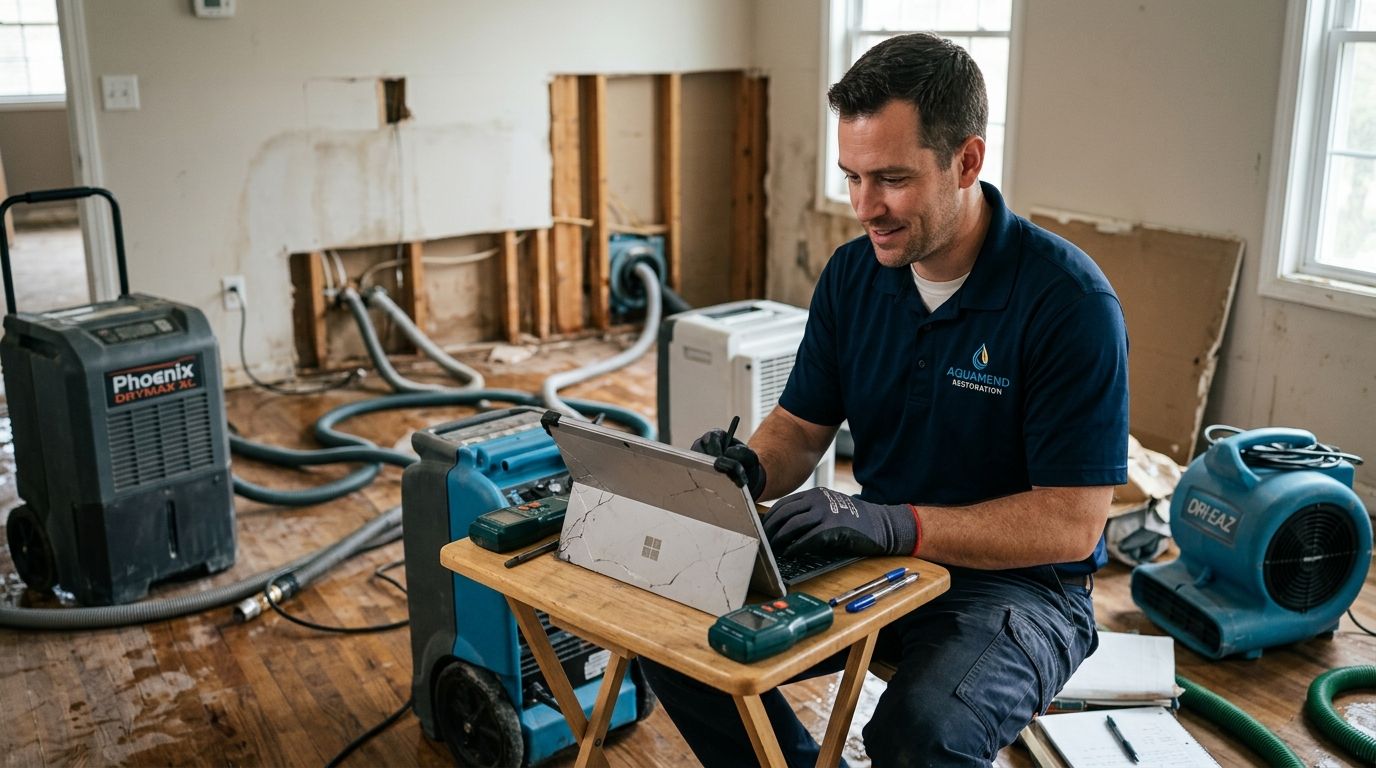
Water damage restoration companies lose jobs to the competitor who answers the website chat first, especially between midnight and 6 a.m. when a burst pipe or a flooded basement can't wait for business hours to reopen. Live chat software for water damage restoration companies has to do more than greet a visitor — it has to separate an active flood from a general question and get the right person moving in minutes, not hours.
- Live chat software for water damage restoration companies needs after-hours coverage, not just a daytime widget.
- VirtualText combines webchat, SMS, and an AI agent in one shared inbox built for service businesses.
- A missed-call text-back beats a chat widget that goes silent after 6 p.m.
- Restoration leads convert fastest when the chat script asks about active water flow first, not contact details first.
Why live chat software matters for water damage restoration companies
A flooded property doesn't wait for office hours, and neither does the homeowner searching for help. They're typing into a chat window or dialing a number while standing in water, and if nobody replies in the first few minutes, they move to the next listing.
Most restoration companies still run their website like a brochure: a phone number, a contact form, maybe a chatbot that just collects an email address. That works fine for a slow week. It fails on the night three basements flood at once and the office line is already busy.
Live chat software for home services websites exists because phone-only intake misses the growing share of people who'd rather type than call, especially at 2 a.m. when they don't want to wake anyone up with a voice call. Restoration companies that add chat, text, and after-hours routing in 2026 pick up leads that a phone-only setup simply never sees.
Put a chat widget on every emergency-service page
Start with placement before scripts. A widget buried on a contact page three clicks deep gets ignored.
- Add the widget to the homepage, the emergency-repair page, and every city or service-area landing page
- Set the greeting message to ask directly whether water is actively flowing right now
- Keep a phone number visible next to the widget for people who still want to call
- Test the widget on mobile first — most flood-related chats start on a phone, not a desktop
- Avoid an aggressive popup delay that makes the widget feel like a distraction instead of help
Write chat scripts that separate real emergencies from general questions
A generic chatbot script asks for a name and email first. A restoration-specific script asks about the water first.
- Ask about the source: burst pipe, appliance failure, storm, or sewage backup
- Ask whether the water is still rising or has already stopped
- Get a street address and callback number before anything else
- Flag sewage or contaminated-water language for immediate human routing
- Keep every question short — someone standing in two inches of water won't type paragraphs
Route after-hours chats to a live person or an AI agent automatically
This is where the manual approach runs out of hours. A small office can staff a chat widget from 8 to 5. It can't staff it at 3 a.m. without either burning out a dispatcher or missing the lead entirely.
VirtualText adds an AI answering service for home service businesses that collects the address, damage type, and urgency level before anyone wakes up an on-call technician. The AI agent isn't a replacement for the crew — it's the first responder that decides who gets woken up and who waits until morning.
- Set business hours so chats after 6 p.m. or before 7 a.m. route differently than daytime chats
- Use the AI agent to collect address, damage type, and urgency before paging a technician
- Write the script so it never promises an arrival time it can't confirm
- Escalate actively-flooding and sewage-backup conversations to a live human immediately
- Confirm every after-hours chat gets a reply within minutes, not the next business day
Turn missed calls and abandoned chats into text conversations
A caller who hangs up after four rings and a visitor who opens the chat window, types half a sentence, then closes the tab are the same lead — someone who wanted help and didn't get it fast enough.
A missed-call text-back tool built for contractors closes that gap by texting the person automatically instead of letting the call disappear from the log.
- Auto-text anyone who calls and hangs up before reaching a person
- Auto-text anyone who opens the chat, types a message, then abandons the page
- Include the crew's name and a direct callback number in the first text
- Ask for the one missing detail — usually address or damage type — in the follow-up
- Track how many missed calls turn into booked jobs after the text follow-up
Keep every technician and dispatcher in one shared inbox
Five phones checking five separate inboxes is how two technicians show up to the same flooded basement and a third lead sits unanswered for six hours.
- Route webchat, SMS, and missed-call texts into a single inbox instead of scattered phones
- Assign each new lead to the technician closest to the job site
- Mark conversations claimed so duplicate dispatches stop happening
- Keep a record of every conversation for insurance documentation later
- Give the office manager visibility into every open thread, not just their own device
Qualify leads before dispatching a crew
Not every chat is a same-day emergency. Some are mold-inspection quote requests that can wait until Tuesday.
- Confirm the address and that someone will be on-site to let a technician in
- Ask if the property owner has already filed an insurance claim
- Note square footage and number of affected rooms for the estimate
- Rule out non-urgent requests that don't need a same-day dispatch
- Flag repeat customers or referral sources for a separate follow-up
Follow up automatically until the lead responds
A single unanswered text isn't a lost job yet. A lead that goes quiet for three days without any follow-up usually is.
- Send a second text within the hour if the first message goes unanswered
- Send a third follow-up the next morning for leads that went quiet overnight
- Stop automatic follow-ups the moment a technician confirms the job is booked
- Request before-and-after photos once the job is complete
- Ask for a review only after the job is marked done, never before
“A homeowner standing in two inches of water will not wait for a callback tomorrow.”
Comparing chat and messaging options for restoration companies
| Option | Best for | Key limitation |
|---|---|---|
| Phone-only intake | Companies running mostly on referrals | Misses every visitor who won't call at 2 a.m. |
| Generic live chat widget | Companies with staff watching the widget all day | Goes silent the moment business hours end |
| Text-only missed-call tool | Companies fielding mostly phone leads already | Doesn't catch the visitor who never dials at all |
| AI chatbot with no human escalation | Companies testing automation on a budget | Can't hand a sewage-backup emergency to a live person fast enough |
| VirtualText (webchat + SMS + shared inbox + AI agent) | Restoration companies getting leads by phone, chat, and text who need one inbox for all three | Needs setup time to script the AI agent for restoration-specific questions |
Verdict: a restoration company that only gets leads during business hours can survive on a generic widget; one that fields emergency calls around the clock in 2026 needs after-hours routing built in, not bolted on.
See webchat built for service teams
Compare live chat options built for small business websites.
Common mistakes water damage restoration companies make
- Treating chat like email. Nobody checks a chat inbox once a day when the visitor is standing in an active flood right now.
- Asking for contact details before asking about the emergency. A script that opens with a name-and-email request instead of a water-flow question wastes the first thirty seconds.
- Running chat only during office hours. The highest-urgency leads in restoration show up overnight and on weekends, exactly when a daytime-only widget goes dark.
- Splitting calls, texts, and chats across separate tools. Dispatchers miss context when a lead's chat history lives in one app and their texts live in another.
- Never following up on abandoned chats. A visitor who types half a message and leaves is still a lead — most companies let that conversation vanish.
FAQ
What's the best live chat software for water damage restoration companies in 2026?
The best option combines webchat, SMS, and a shared inbox so a restoration company can catch leads by phone, text, or chat in one place. VirtualText is built for exactly this kind of after-hours, multi-channel lead capture for small service teams.
Does live chat work if most restoration leads still call by phone?
Yes, because chat catches the visitor who won't call at all, especially late at night. It works alongside phone intake, not instead of it.
Can live chat handle a real flooding emergency, or does it just collect a name and number?
A well-scripted chat asks about active water flow, source, and address before anything else, which lets a dispatcher decide urgency immediately. A generic chatbot that only asks for contact info wastes the most important minutes.
Is an AI agent better than a chat widget alone for restoration leads?
An AI agent covers the hours a chat widget alone cannot, since nobody staffs a widget at 3 a.m. The AI agent collects damage details and escalates real emergencies to a live person automatically.
How fast does a restoration company need to respond to a chat lead?
Fast enough that the homeowner does not move to the next search result, which in practice means minutes, not hours. Automatic routing and missed-call text-back close that gap without adding staff.
Does live chat replace an after-hours answering service?
It removes the need for a human to sit by the phone all night, but escalation to a live technician still matters for active emergencies. Chat and answering service work together, not as substitutes.
Can one shared inbox handle chat, text, and missed calls together?
Yes, a shared inbox routes webchat, SMS, and missed-call text-back into a single view so no technician duplicates a dispatch. It also keeps a record of each conversation for insurance documentation later.
What happens if nobody answers a chat message right away?
Automatic follow-up texts should fire within the hour and again the next morning if the lead stays quiet. Follow-ups stop the moment a technician confirms the job is booked.
One last thing
Script the AI agent to ask about standing water depth and affected square footage before a human ever picks up the phone. Dispatch decisions move faster in 2026 when that information already sits in the chat transcript instead of getting re-asked by whoever answers the callback.


