
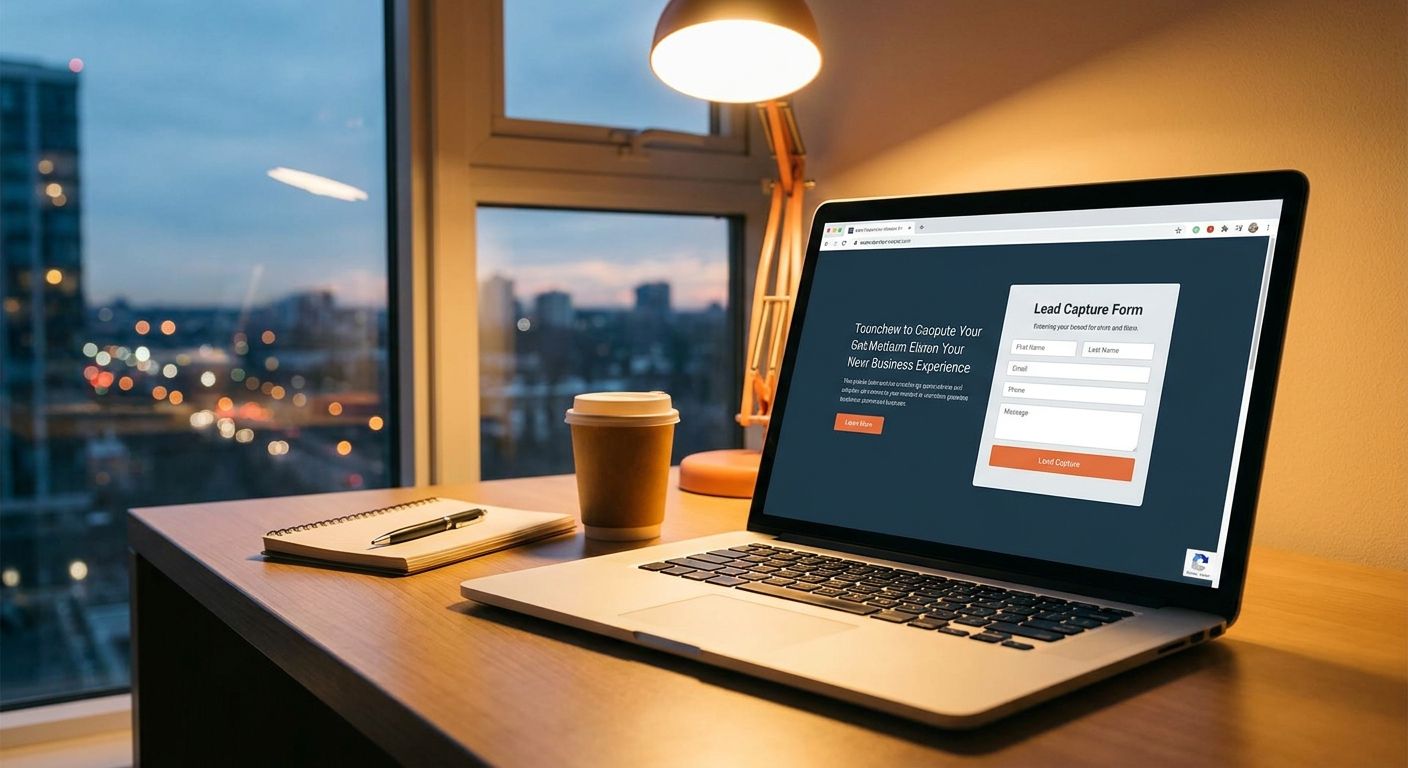
Website visitors who show up after 6 PM don't wait around for you to open email in the morning. They close the tab and call, text, or chat with the next business on the list. This guide walks through the exact setup that stops that leak: webchat, missed-call text-back, and an AI agent that keeps talking to leads while you're closed.
- VirtualText captures website leads after hours with webchat, texting, and an AI agent for $89/month flat rate.
- Missed-call text-back and a webchat widget convert visitors who won't leave a voicemail — buy, don't wait.
- An AI agent qualifies leads by name, service, and urgency before a human ever logs in.
- VirtualPBX's Smarter Voice phone plan pairs with VirtualText so calls and texts land in one shared inbox.
Why this matters
Most small business websites still funnel every visitor toward a phone number and a contact form. That works fine at 2 PM. At 9 PM, a homeowner with a broken water heater or a driver who just cracked a windshield isn't going to sit on hold or wait for a callback tomorrow — they're going to text the next plumber or glass shop that answers.
Home services, insurance agencies, healthcare front desks, and law firms lose the most here because the buying moment is urgent and short. A missed call at 8 PM doesn't become a lead at 8 AM; it becomes a review left for a competitor. Capturing that lead the moment it shows up, not the moment you're back at your desk, is the whole game in 2026.
What you'll need
- A website with room to add a chat widget (most CMS platforms support this with a script tag)
- A business phone number that can send and receive SMS — VirtualPBX provides this on Smarter Voice plans starting at $15 per user per month
- A texting and webchat platform with a shared inbox, like VirtualText, so replies don't live in one person's personal phone
- 15-20 minutes to configure hours, routing rules, and canned responses
- Someone on the team who checks the inbox each morning, even with AI handling the after-hours load
The steps
1. Add a webchat widget to your site
A chat bubble in the corner of your homepage catches visitors who won't pick up the phone or fill out a five-field contact form. It accomplishes one thing: it gives someone a low-friction way to ask a question right when they're deciding whether to trust you.
Install a widget that stays active around the clock, not just during business hours — otherwise you're back to the same gap you're trying to close. Setting up a webchat widget for a service business site usually takes under 15 minutes with a copy-paste script. Common mistake: turning the widget off after hours to save it for staff, which defeats the purpose entirely.
2. Turn on after-hours texting
When a call goes unanswered, the caller should get a text back within seconds, not a generic voicemail greeting. This step matters because texting has a far higher reply rate than voicemail — most people read a text within minutes, not hours.
Set the auto-reply to acknowledge the call, state your hours, and ask what they need: thanks for calling, we're closed until 8 AM but you can text us here anytime. Common mistake: sending a text-back that doesn't ask a question, so the lead never replies and the conversation dies.
3. Set up missed-call text-back
This is the single highest-leverage move for contractors, clinics, and any business that gets more phone calls than form fills. A missed call converts to an instant SMS instead of silence.
Configure the trigger so it fires on every unanswered call, not just after-hours ones — daytime missed calls leak leads too. Expect the text-back to go out within 5-10 seconds of the missed call in most setups. Common mistake: routing the text-back reply to a personal cell phone that nobody checks on weekends.
4. Let an AI agent qualify and route leads
An AI agent handles the repetitive part: asking for name, service needed, and urgency before a human ever gets involved. This accomplishes screening — by the time your team logs in, the lead is already qualified instead of a cold hello.
Using an AI agent to qualify service leads means configuring three or four questions specific to your business — for a plumber, that's address, issue, and whether it's an emergency. Common mistake: letting the AI try to close the sale instead of just qualifying and scheduling a callback.
5. Build a shared team inbox
One person's phone should never be the only place after-hours leads land. A shared inbox means anyone on the team can see and respond to a conversation, even if the person who started it is out sick or on vacation.
Assign ownership so a lead doesn't sit unclaimed for hours. This also creates a record — no more he-said-she-said about who followed up. Common mistake: skipping this step and routing everything to the owner's cell, which becomes a bottleneck fast.
6. Set a response-time rule for the morning
After-hours capture only works if someone follows up fast once the doors open. Set a rule: every overnight lead gets a human reply within the first 30 minutes of business hours, no exceptions.
This is where AI-qualified leads pay off — your team walks in to a list sorted by urgency instead of a cold voicemail box. Common mistake: treating the AI-qualified leads as handled and letting them sit past lunch.
7. Test the entire flow after hours
Call your own business line and text your own webchat widget after 6 PM. Confirm the missed-call text-back fires, the AI agent asks the right questions, and the reply lands in the shared inbox — not lost in a spam filter or a forgotten tab.
Run this test monthly, not just once at setup, since website changes and staff turnover break routing rules more often than expected. Common mistake: testing once at launch and never checking again after a website redesign.
See webchat and texting together
One flat rate covers chat, SMS, and an AI agent for after-hours leads.
Troubleshooting
- Leads text back but nobody replies until the next day. Assign a rotating on-call staff member to check the shared inbox once in the evening, even for five minutes.
- The AI agent asks irrelevant questions. Rewrite the qualifying script to match your actual services — a generic script sounds robotic and stalls the conversation.
- Webchat widget slows down page load. Load the script asynchronously or switch to a lighter-weight widget provider; a slow homepage costs you more leads than the widget saves.
- Missed-call text-back doesn't fire on transferred calls. Check the trigger settings — some systems only fire on direct-dial misses, not calls that were forwarded first.
- Leads come in but never get logged anywhere. Set up the shared inbox so every conversation timestamps automatically instead of relying on someone to write it down.
- Response times are fine but leads still go cold. Review the actual message content — a one-word reply doesn't move a lead forward the way a specific next step does.
Tools and resources
- VirtualPBX for the business phone number, call routing, and Smarter Voice plan that ties into texting
- Missed-call text-back for contractors if calls, not chats, are your main lead source
- A webchat widget with 24/7 uptime, not one that logs off outside business hours
- A shared inbox that logs conversation history per lead, not per phone number
- A written qualifying script for the AI agent, reviewed every quarter as services or pricing change
What to do next
Once the capture side is running, the harder problem is response speed. How to respond to website leads after hours covers the follow-up cadence that turns a captured lead into a booked job, not just a read receipt.
FAQ
How do I capture website leads after hours?
Add a 24/7 webchat widget, turn on missed-call text-back, and route replies to a shared inbox so no lead sits unanswered overnight. An AI agent can qualify leads by asking name, service, and urgency before a human logs in the next morning.
Is texting better than a contact form for after-hours leads?
Texting gets read faster than a contact form sits in an inbox, and most people reply to a text within minutes instead of waiting for an email response. Contact forms still work but text-back closes the reply loop immediately after a missed call.
How much does after-hours lead capture software cost in 2026?
VirtualText runs $89 a month flat rate for webchat, SMS, a shared inbox, and an AI agent, and pairs with VirtualPBX's Smarter Voice phone plan starting at $15 per user per month. Pricing is flat, not per-lead, so volume doesn't change the bill.
Can an AI agent actually qualify leads without sounding robotic?
Yes, when the script is built around your specific services instead of a generic template. A plumbing business, for example, should ask address, issue, and urgency rather than open-ended small talk.
Do I need a contract to set up missed-call text-back?
No — VirtualText and VirtualPBX both run without long-term contracts, and VirtualPBX backs Smarter Voice with a 14-day money-back guarantee. Setup for missed-call text-back typically takes under 30 minutes.
What happens if a lead texts after hours and nobody replies until morning?
The lead usually moves on to a competitor within a few hours, especially for urgent home services or healthcare needs. A same-second automated text-back plus a 30-minute human follow-up rule in the morning closes most of that gap.
Can one person manage all the after-hours leads alone?
Not reliably — a shared team inbox spreads the load so any available staff member can respond, and nothing gets stuck in one person's personal phone. This matters most for multi-location or on-call teams.
Does missed-call text-back work for calls that get forwarded?
It depends on the trigger configuration — some systems only fire on direct misses, so forwarded or transferred calls need a separate rule checked during setup. Testing the full call flow monthly catches this before it costs a lead.
One last thing
The businesses that get the most out of after-hours capture in 2026 aren't the ones with the fanciest AI script — they're the ones who actually reply within 30 minutes of opening. The tech closes the overnight gap; a fast human follow-up is what turns the captured lead into a booked appointment.


