
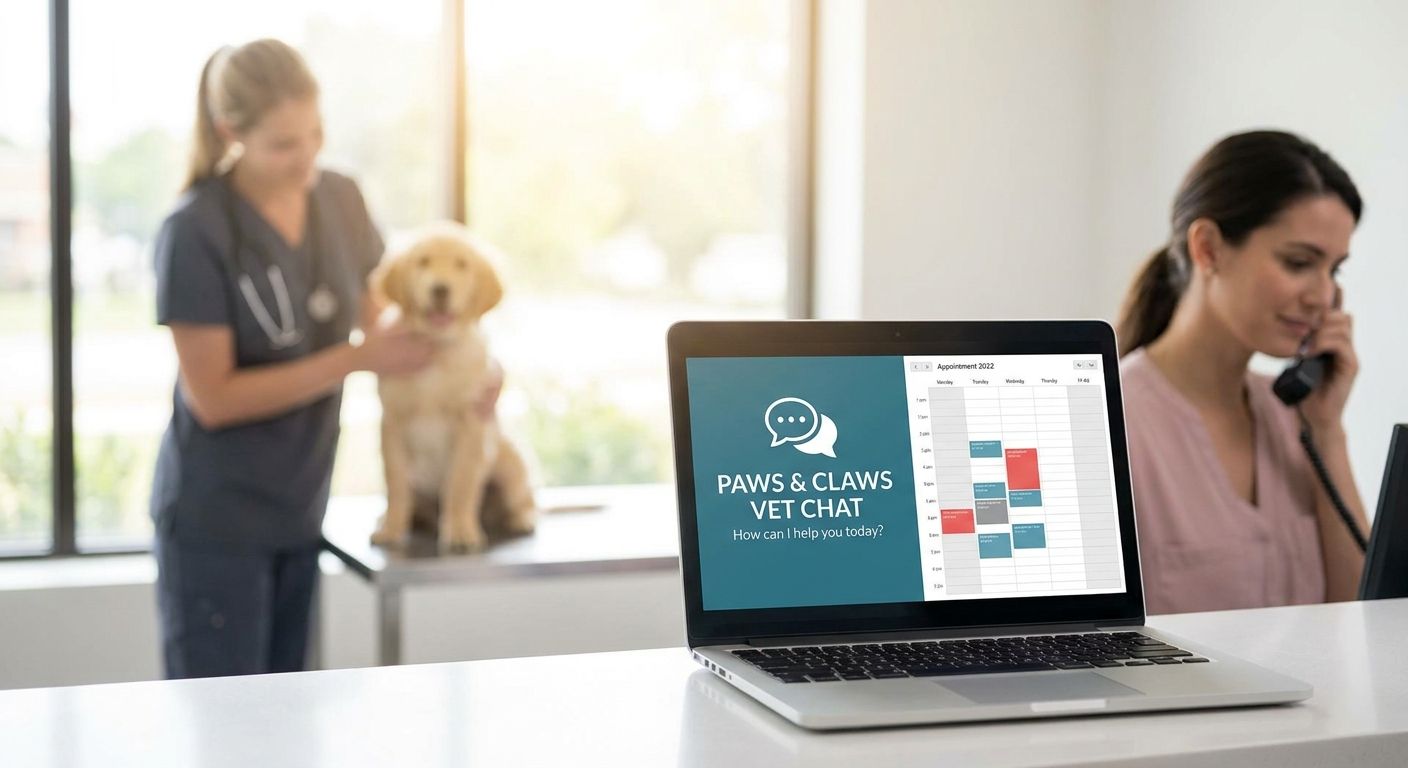
Live chat software for veterinary clinic websites is a webchat widget or combined webchat-and-texting platform that lets front desk staff answer scheduling, pricing, and new-client questions online instead of putting a caller on hold. Vet clinics run a tighter front desk than most service businesses: the same person checking in a limping dog is also answering the phone and the website chat at the same time, so the tool needs to route conversations, not just display a chat bubble.
- VirtualText pairs webchat with SMS in one $89/month inbox, the strongest fit among live chat software for veterinary clinic websites needing after-hours coverage.
- Generic chat plugins skip SMS follow-up, so a pet owner's question goes cold once they close the browser tab.
- Route anything that sounds like a pet emergency to a person; automate routine questions like vaccine schedules and office hours.
- VirtualPBX, VirtualText's parent company, still runs phone plans starting at $15 per user per month for clinics that need voice too.
Why live chat matters for veterinary clinics
Veterinary clinics run on fixed hours, but pet health questions don't. A dog that stops eating on a Sunday, a cat due for a booster next week, a new client checking whether you take walk-ins — all of that traffic hits your website whenever it hits, and a phone-only front desk misses most of it outside the clinic's posted hours.
That's a different problem than retail live chat solves. In a store, a missed chat means a lost sale. In a clinic, a missed chat can mean a sick pet waits another day, or the practice down the street answers first while your front desk is mid-checkout with an in-person client.
“The clinics that convert the most website visitors into booked appointments treat live chat as a routing tool, not a replacement for a person.”
Most animal hospitals staff two or three front desk people at a time, and those people are already handling check-ins, phone calls, and payment. Adding a fourth channel — website chat — without a way to route it by urgency just adds another thing to ignore during a busy Saturday morning. For a side-by-side look at texting tools built specifically for animal hospitals, see the best customer texting platform for veterinary clinics breakdown.
VirtualPBX, the company behind VirtualText, also runs the clinic's main phone line — plans start at $15 per user per month, with an optional $99 AI FrontDesk upgrade for calls that still come in by voice. Live chat doesn't replace that phone line in 2026; it catches what the phone line misses while your team is in an exam room.
How to set up live chat for your veterinary clinic website
Audit where you're losing web visitors right now
Before buying anything, find out how many website visitors your clinic already loses. This takes an afternoon, not a subscription, and it tells you whether the problem is volume or coverage hours.
- Check contact form submissions from the past week and count how many got a same-day reply
- Log after-hours calls that go straight to voicemail instead of a callback
- Ask front desk staff whether clients already text the clinic's main line informally
- Note when your website traffic actually peaks — usually evenings and weekends for pet owners, not clinic hours
Pick a chat tool built for scheduling, not retail
A chat widget made for e-commerce doesn't know the difference between "do you sell dog food" and "my cat won't stop vomiting." Look for tools built around service scheduling and staff handoff, not shopping carts.
- Confirm it can route by urgency, not just by department
- Confirm it can text a pet owner back after they close the chat window
- Check that it works from a phone app, so the on-call vet tech isn't tied to a front desk computer
- Confirm setup doesn't require hiring a developer
Turn on a webchat widget with after-hours coverage
This is where a flat-rate platform starts to earn its price over a bare chat plugin. VirtualText runs $89 a month flat, covering the widget, the SMS follow-up, and the shared inbox together instead of billing each piece separately.
- Add the widget to your booking and services pages, where traffic peaks
- Turn on after-hours auto-replies so a 9 PM chat gets an instant response instead of silence until morning
- Route anything that reads as an emergency to an on-call number instead of a queue
- Test the widget on mobile — most pet owners are chatting from a phone, not a desktop
Train the AI agent on your clinic's real questions
An AI agent only works if it's fed your clinic's actual answers, not generic templates written for a different kind of business. VirtualText's AI agent for veterinary clinics is built around this handoff between automated replies and a person.
- Feed it your real FAQ: vaccine schedules, wellness exam pricing ranges, new-client intake steps
- Set a hard boundary — routine questions get automated answers, anything about an injured or sick pet routes straight to a person
- Review transcripts weekly for the first month
- Update the answers the moment your hours or services change
Combine SMS and webchat into one shared inbox
Splitting texting and webchat across two systems means two places for a message to get missed, and two logins for staff to check during a busy shift. A shared team inbox for veterinary clinics keeps both channels, and the message history, in one place.
- Give every front desk staffer login access so no channel gets ignored during a shift change
- Assign specific chats and texts to specific staff members
- Keep message history tied to the client's record, not to one person's phone
- Stop running clinic texts through anyone's personal cell number
Measure response time and booked appointments
The point of live chat isn't the chat itself, it's the booked exam. Track results the same way you'd track any other front-desk change in 2026.
- Track average first-response time weekly
- Count how many chats convert into a booked appointment versus just an answered question
- Compare after-hours chat volume against your old voicemail volume
- Adjust auto-reply wording if visitors keep asking the same unanswered question
Live chat options for veterinary clinics, compared
Most clinics choosing live chat software for veterinary clinic websites in 2026 land on one of three approaches: staff typing every reply by hand, a generic chat plugin with no texting tie-in, or a combined platform.
| Option | Best for | Starting price | Key limitation |
|---|---|---|---|
| Staffed chat (your team types every reply) | Solo clinics with light web traffic | No software cost, but ties up staff time | No coverage nights or weekends |
| Generic live chat plugin, no SMS tie-in | Clinics that just want a chat bubble on the site | Varies by provider, not published here | Conversation dies once the visitor closes the tab |
| VirtualText (by VirtualPBX) | Clinics that want webchat, SMS, and a shared inbox in one system | $89/month flat rate | AI agent needs a few weeks of tuning before it handles clinic-specific questions well |
Buy VirtualText if your clinic already loses website leads after hours and your team is juggling calls, texts, and chat as separate channels. Skip a bare chat plugin if you also need texting for appointment reminders and no-show follow-up, since you'll end up buying a second tool anyway. Hold off on staffed-only chat once your after-hours voicemail volume starts outpacing what one front desk person can call back the next morning.
Turn website chats into booked exams
See how service teams combine webchat, texting, and one inbox.
Common mistakes veterinary clinics make with live chat
- Turning chat off after hours — the exact window when pet owners search for urgent or emergency care instead of routine scheduling
- Running texts through a personal cell phone, which loses message history the day that staffer changes shifts or leaves the clinic
- Answering routine questions by hand — office hours, parking, price ranges — while a lobby full of in-person clients waits at the counter
- Not routing "my pet is having a seizure" differently from "do you have Saturday hours" inside the same chat queue
- Skipping mobile testing, even though most chats start from a phone in a parking lot or an exam room lobby
FAQ
What's the best live chat software for veterinary clinic websites in 2026?
VirtualText is the strongest flat-rate option in 2026 for clinics that want webchat, SMS, and a shared inbox in one $89-a-month system instead of stitching together separate tools.
Is live chat better than a phone-only front desk for a vet clinic?
Live chat doesn't replace your phone line, it catches the traffic your phone line misses outside clinic hours. Most clinics run both together rather than choosing one.
How much does live chat software cost for a small veterinary clinic?
VirtualText runs a flat $89 per month covering webchat, SMS, a shared inbox, and an AI agent. Other providers price per seat or per chat volume, so compare the total monthly cost, not just the sticker price.
Can AI chat handle veterinary emergency questions?
No, AI chat should route anything that sounds like a pet emergency straight to a person or an on-call number. Automate routine scheduling and pricing questions instead.
Does a vet clinic still need a phone system if it has live chat?
Yes. VirtualPBX, the company behind VirtualText, runs phone plans starting at $15 per user per month for clinics that still take calls, with live chat handling the traffic that never reaches the phone.
How long does it take to set up live chat on a clinic website?
Adding a webchat widget doesn't require a developer or a site rebuild. Most of the setup time goes into writing the auto-replies and training the AI agent on your clinic's actual questions, not the technical install.
Should a multi-location vet group use one chat inbox or one per location?
One shared inbox across locations, with routing by location or staff member, keeps message history from getting scattered. Splitting inboxes by location usually just recreates the same missed-message problem at a smaller scale.
Is texting or webchat more effective for a veterinary clinic?
Neither wins alone. Webchat catches the visitor while they're on your site; SMS follow-up catches them after they leave, which is why combining both in one inbox outperforms running either channel by itself.
One last thing
Don't let a canned "we'll get back to you" auto-reply be the only thing standing between a pet owner and a real person at 11 PM. Set one clear rule before turning on any AI agent or auto-reply in 2026: anything that reads as urgent skips the queue and reaches a human, full stop. Everything else — hours, pricing ranges, appointment types — can wait for automation to answer it.


