
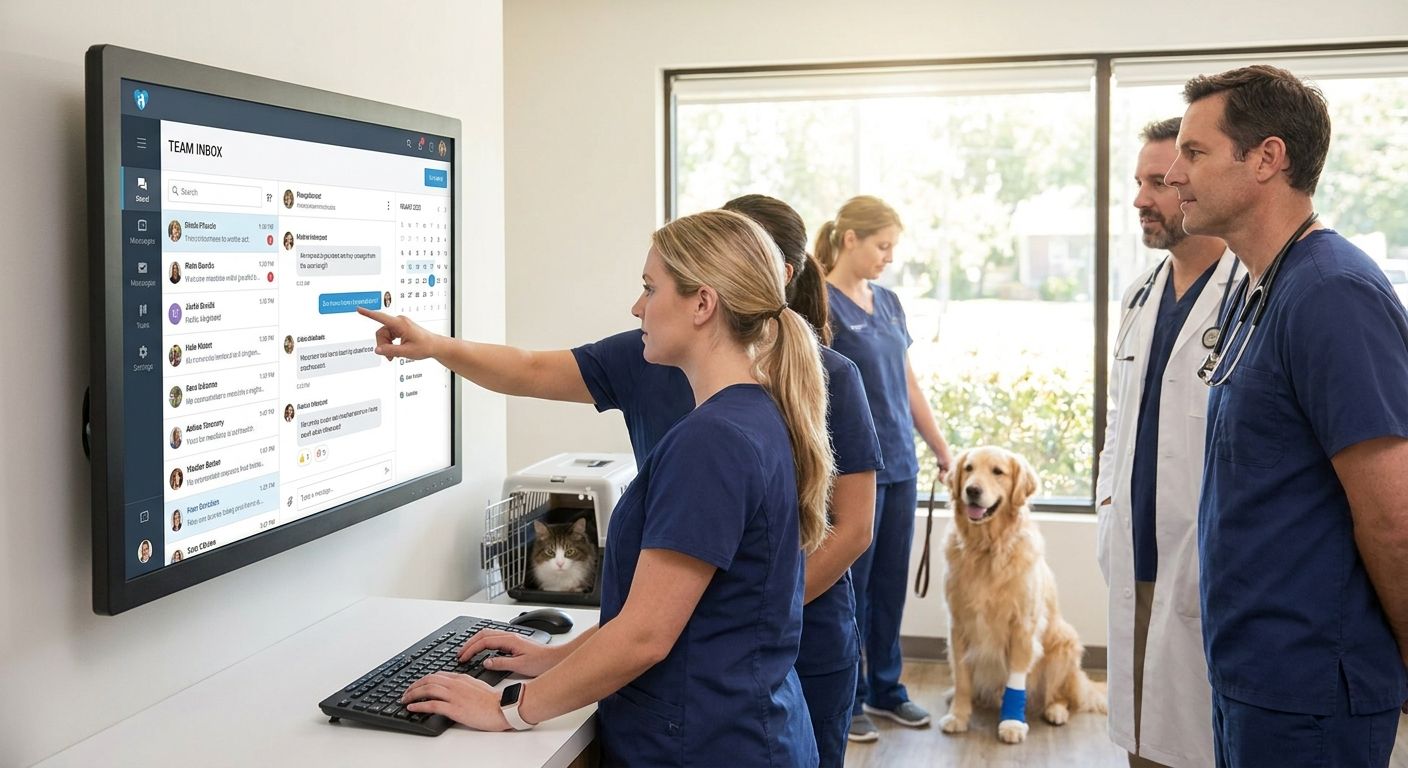
Veterinary front desks answer phones, text back-and-forth with pet owners, and now field website chat questions too — often during the same fifteen minutes a doctor is mid-exam. Team inbox software for veterinary clinics puts texting, webchat, and missed-call follow-up into one shared queue so nothing sits unanswered while staff are in the treatment room.
- VirtualText wins for veterinary clinics needing texting, webchat, and AI after-hours coverage in one flat $89/month inbox.
- Skip per-seat texting apps once a clinic adds a second vet tech or a second location — the pricing gets punishing fast.
- An AI customer service agent should route emergency messages to staff, not attempt medical answers — confirm that before buying.
- Multi-location vet groups need routing rules, not just a shared inbox, or messages pile up in one unsorted queue.
Why this matters
A missed call during surgery hours used to mean a voicemail and a callback later. In 2026, that same missed call is a client who texted a competitor instead, or filled out a chat form on another clinic's site while waiting for a reply. Boarding requests, refill confirmations, and "is this an emergency" questions all arrive the same way now — as text and chat, not just phone calls.
A clinic running texts through one staffer's personal cell phone and chat through a separate widget has no shared record of who answered what. VirtualText's team inbox for veterinary clinics exists to close that gap: one inbox, every channel, visible to the whole front desk.
Who this is for
This guide is for practice managers and clinic owners running anywhere from a single-doctor practice to a multi-location veterinary group, where two or three front desk staff currently split phone, text, and web chat duties with no shared visibility into who replied to what. If your clinic still routes after-hours boarding and refill questions to a general voicemail box, this is the problem team inbox software solves.
What to look for in team inbox software for veterinary clinics
One inbox for texts, webchat, and missed-call follow-up
If a client can reach your clinic three different ways and each one lands somewhere different, someone eventually gets missed. A single queue means every channel — SMS, website chat, and missed-call text-back — shows up in the same place your staff already checks.
AI that handles routine questions, not medical ones
An AI agent that confirms office hours, drop-off policy, or a refill request saves staff time. An AI agent that tries to answer a symptom question is a liability problem waiting to happen — the right tool routes anything that sounds clinical straight to a human.
Routing to the right person, not a group text pile-up
A shared inbox without routing just becomes a new group chat everyone half-reads. Look for rules that send billing questions to the front desk and urgent messages to whoever's on call.
Flat pricing that doesn't punish a growing team
Most vet clinics add seasonal techs, part-time relief staff, or a second location before they add a second full-time receptionist. Per-seat texting tools charge more every time that happens. A flat monthly rate doesn't.
After-hours capture for boarding, refills, and emergency triage
A lot of vet clinic messages come in outside business hours — a boarding request typed at 9 p.m., a refill message sent before a road trip. Software that captures and routes those overnight, instead of letting them sit until 8 a.m., is the difference between a booked appointment and a client who called the clinic down the street.
Top picks for veterinary clinics
The all-in-one pick. VirtualText combines SMS, website webchat, and a shared team inbox for a flat $89 a month — no per-seat charge as the front desk grows. One spec that matters: the whole clinic runs on one price regardless of how many staff need inbox access. Verdict: Buy for clinics juggling more than one communication channel today.
The AI-first pick. The AI customer service agent for veterinary clinics answers routine after-hours questions — hours, drop-off, appointment confirmation — and hands off anything that sounds urgent. The number that matters here is coverage: it's on when your front desk isn't. Verdict: Consider if after-hours messages are currently going to voicemail.
The texting-only pick. A customer texting platform for veterinary clinics handles SMS well but skips webchat and cross-channel routing. That's fine for a solo-doctor practice with one phone number and no website chat widget. Verdict: Consider for single-location clinics, Skip once you add a second doctor or a chat widget.
The healthcare-general pick. Team inbox software for healthcare front desks is built for medical clinics broadly, not veterinary practices specifically — useful structure, less tailored triage language. Verdict: Consider for multi-location vet groups that want broad front-desk routing over veterinary-specific AI phrasing.
The DIY pick. A shared Gmail alias and a personal cell phone cost nothing upfront. They also have no routing, no after-hours coverage, and no record of who answered a client last. Verdict: Skip — the free option is the one most likely to lose you a boarding client.
What to avoid
- Generic live-chat widgets with no SMS tie-in. They capture a web chat but leave texting on a separate, disconnected tool — you're back to checking two places.
- Per-seat pricing that looks cheap at two users. Add a relief vet tech or a second location and the bill jumps; a flat rate stays flat.
- AI agents that try to sound like a vet. An AI that gives care advice instead of routing the message to staff creates confusion clients will remember badly.
Verdict comparison
| Option | Best for | Pricing model | Verdict |
|---|---|---|---|
| VirtualText (all-in-one) | Clinics using texts, chat, and calls today | Flat $89/month | Buy |
| AI customer service agent | Capturing after-hours messages | Add-on to inbox | Consider |
| Texting-only platform | Single-location, phone-first clinics | Per-clinic | Consider / Skip at scale |
| Healthcare-general team inbox | Multi-location groups wanting broad routing | Varies | Consider |
| Shared inbox / personal phone | No one, really | Free | Skip |
See texting and webchat in one inbox
One shared queue for your veterinary front desk, flat monthly price.
FAQ
What is team inbox software for veterinary clinics?
It's a shared platform that combines text messages, website chat, and missed-call follow-up into one queue your front desk staff can see and answer together. It replaces separate phone, text, and chat tools with one view in 2026.
Is team inbox software different from a phone system?
Yes — a phone system routes calls, while team inbox software organizes text and chat conversations. Many veterinary clinics run both, using missed-call text-back to connect the two.
Can AI handle after-hours vet clinic messages?
An AI agent can answer routine questions like hours, drop-off policy, or refill requests after hours, then route anything urgent to on-call staff. It should never attempt to answer a medical or symptom question directly.
How much does team inbox software cost for a veterinary clinic in 2026?
VirtualText runs a flat $89 a month for SMS, webchat, and a shared team inbox, regardless of how many staff need access. Per-seat texting tools can cost more as a clinic adds staff or locations.
Do I still need a receptionist with a team inbox?
Yes — team inbox software organizes and routes messages, but staff still handle appointment scheduling, billing questions, and anything an AI agent flags as needing a human. It reduces missed messages, not staffing.
Can a multi-location veterinary group use one team inbox?
Yes, as long as the platform supports routing rules that send each conversation to the right clinic location and staff member. Without routing, multi-location clinics end up with one unsorted message pile.
Is veterinary client texting subject to HIPAA?
No — HIPAA covers human patient health information, not animal health records, so veterinary clinics aren't bound by it the way medical practices are. Clinics should still keep client messages professional and limit inbox access to staff who need it.
How fast can a veterinary clinic set up team inbox software?
Setup for a platform like VirtualText typically involves connecting an existing business number and adding a webchat widget to the clinic's site, which most clinics complete without extended downtime. Staff can start working from the shared inbox the same day it's connected.
One last thing
The messages that slip through most often aren't the emergencies — clinics catch those. It's the boarding request typed into a website chat widget at 8 p.m., or the refill text sent while a client is standing in a pharmacy line somewhere else. Those are exactly the messages an after-hours AI agent and a shared inbox are built to catch, and they're the ones that quietly become no-shows or lost bookings when nobody's watching the queue overnight in 2026.


