
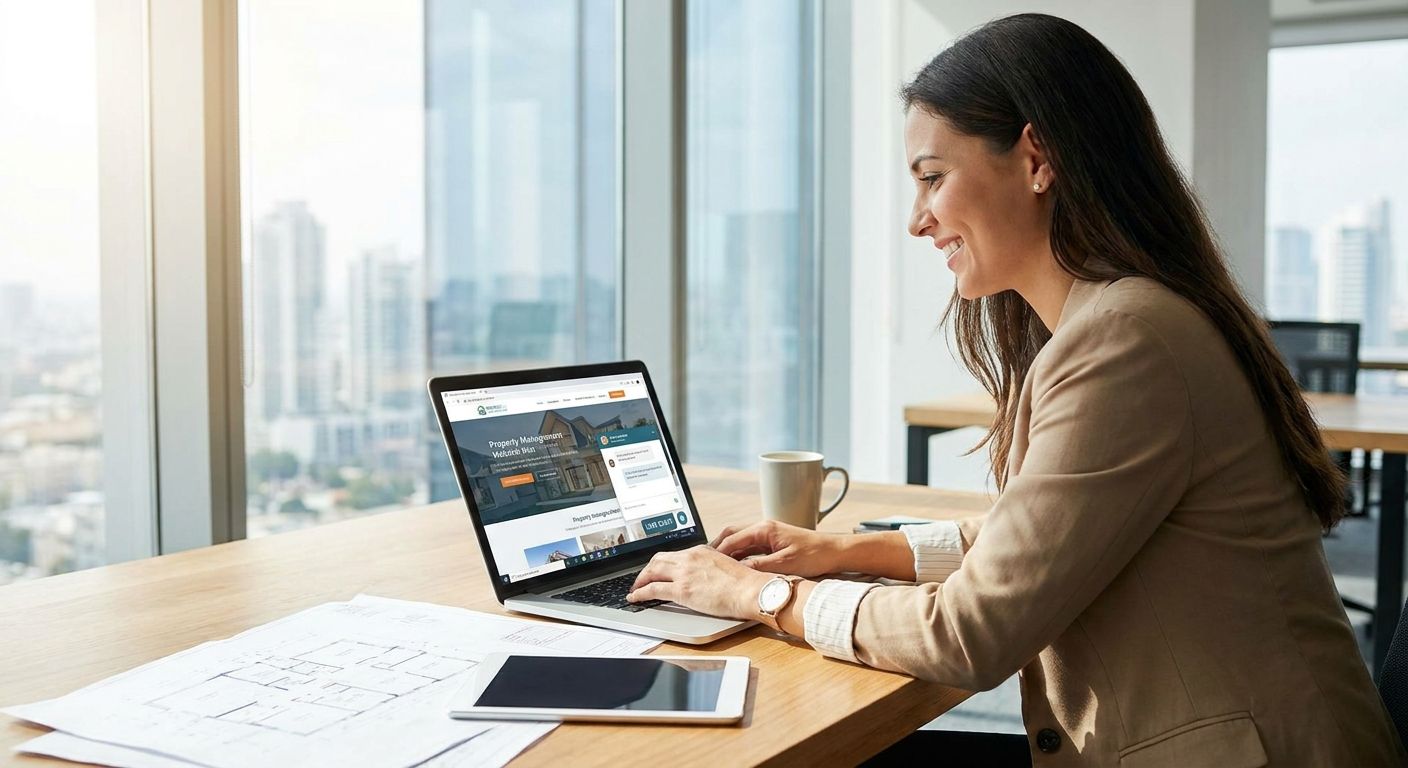
Live chat software for property management websites lets prospective tenants and current residents message your leasing office instead of waiting on hold, and the good ones keep that conversation alive by text even after the visitor closes the browser tab. Property managers juggle leasing inquiries, maintenance requests, and routing across multiple buildings at once — a chat widget that only works while someone is staring at your site misses most of that traffic.
- VirtualText costs $89/month flat rate and combines webchat, SMS, and a shared team inbox — best for portfolios running several properties.
- A generic chat widget answers instantly but goes dead once the visitor leaves the page; VirtualText keeps the thread alive as a text message.
- An AI agent inside VirtualText can log a maintenance request or leasing question at 2am, and a human reviews it in the morning.
- No-contract, month-to-month terms and a 14-day money-back guarantee limit the risk of switching live chat software for property management websites in 2026.
Why live chat software matters for property management companies
A prospective tenant comparing three complexes at once won't wait for a callback — they'll message the leasing office that answers first and move on if nobody does. Maintenance requests don't respect business hours either: a burst pipe at 9pm or a lockout on a Sunday still needs a response, and voicemail doesn't feel like a response.
Most property management websites treat leasing chat and maintenance chat as the same problem, then route both through one inbox with no after-hours plan. A team inbox built for property management companies fixes the routing side of that. The bigger issue is what happens after the visitor leaves your site — if the conversation can't continue as a text message, you're starting over every time someone comes back.
Step 1: Audit where your leasing and maintenance messages actually land today
Before adding anything new, find out where messages currently go and who answers them.
- Check whether your leasing page, maintenance page, and resident portal each have their own contact method
- Note average response time for each channel, even a rough estimate
- Identify who owns each inbox and what happens when that person is out
- Flag any channel with no coverage on evenings or weekends
- Look for duplicate replies, a sign two people share one inbox
Step 2: Put a chat widget on every leasing and maintenance page, not just the homepage
Leasing pages and maintenance request pages get more direct traffic than your homepage, and they need the widget just as much.
- Leasing and availability pages for each property
- The maintenance request or resident portal login page
- Individual property landing pages if you manage more than one site
- The mobile version of your site, tested separately from desktop
- Any page linked from Google Business Profile or listing sites
Step 3: Connect chat to text messaging so the conversation survives after the visitor leaves
The manual version of this works, but it's slow: someone writes down the visitor's phone number, saves it to a spreadsheet, and calls back later the same day. That's fine for one property. It breaks down fast across a portfolio.
- Capture a phone number in the first chat exchange, not after several back-and-forth messages
- Log the number somewhere the whole team can see, not one person's notes
- Follow up the same business day if no immediate answer is possible
- Use a business SMS service built for property managers so the webchat conversation continues as a text thread automatically
- Stop replying from personal cell phones — the tenant's number and history should stay with the business, not the employee
Step 4: Route each message to the right person by property or shift
One shared inbox with no routing rules means messages get answered twice or missed entirely.
- Assign a leasing contact per property, not one generalist for everything
- Forward maintenance requests to whoever is on call that week
- Set business-hours auto-replies so visitors know when to expect a human
- Use a shared team inbox instead of a shared email account to avoid duplicate replies
Step 5: Set up an AI agent to catch after-hours leasing and maintenance questions
This is the step that actually closes the overnight gap, and it's where most property management sites are weakest in 2026.
- Write out answers to the leasing questions you get most: pet policy, availability, tour scheduling
- Define maintenance triage: what counts as an emergency versus something that waits until morning
- Set a clear handoff rule for anything the AI can't answer confidently
- Keep a record of every after-hours conversation so morning staff can follow up without re-asking questions
- Test the AI customer service agent built for property managers against your own most common tenant questions before relying on it
Step 6: Build one shared inbox across every property you manage
A multi-property portfolio can't run on one person's phone or one shared email login.
- Consolidate SMS and webchat threads into a single inbox
- Tag each conversation by property so nothing gets attributed to the wrong building
- Avoid letting one employee become the single point of failure for all messages
- Keep message history intact through staff turnover, which happens often in property management
Step 7: Track response time and follow up on anything left unanswered
What gets measured gets fixed. Without a target, response time drifts.
- Set a target reply window during business hours, even something simple like 15 minutes
- Review overnight messages every morning for anything the AI flagged as unresolved
- Check weekly for leasing inquiries that never got a second follow-up
- Adjust routing when the same type of message keeps landing with the wrong person
Comparing your live chat options for property management websites
| Option | Best for | Starting price | Key limitation |
|---|---|---|---|
| Free web-only chat widget | Portfolios testing chat before paying for anything | Free | Conversation ends the moment the visitor closes the tab |
| Messaging built into your property management software | Companies already paying for a PM software seat | Bundled into existing PM software cost | Usually stays inside the portal, no text follow-up outside the app |
| VirtualText | Multi-property teams that need webchat, SMS, and a shared inbox in one system | $89/month flat rate | Handles messaging, not incoming phone calls — pairs with a phone system for that |
| After-hours human answering service | Portfolios that need live phone coverage overnight | Priced per contract, varies by provider | Solves phone coverage, not website chat or text follow-up |
“If your leasing chat can't text a prospect back once they close the tab, it isn't really doing the job of live chat.”
See live chat built for property managers
Webchat, SMS, and a shared inbox for $89/month, no contract required.
Common mistakes property managers make with live chat
- Chat widget on the homepage only — leasing pages and maintenance pages get more direct traffic and need it more.
- No after-hours coverage — a burst pipe or lockout doesn't wait for the leasing office to open at 9am.
- Replying from a personal cell phone — when that employee leaves, the tenant's number and history leave with them.
- One shared email inbox instead of a shared team inbox — messages get answered twice, or not answered at all.
- Treating every message the same — a leasing inquiry needs a fast, sales-style reply; a maintenance emergency needs triage, not a form-letter response.
FAQ
What's the best live chat software for property management websites in 2026?
VirtualText is a strong fit for multi-property teams because it combines webchat, SMS, and a shared team inbox at a $89/month flat rate instead of per-seat pricing. It works best for portfolios that need messages to continue as texts after a visitor leaves the site.
Is live chat better than a contact form for a property management website?
Live chat gets faster responses than a contact form because visitors expect an immediate reply, not a wait for email. A contact form still works for non-urgent inquiries, but leasing and maintenance questions are usually time-sensitive.
How much does live chat software cost for a property management company?
VirtualText runs $89/month flat rate regardless of how many team members use the shared inbox. Free web-only widgets exist but stop working once a visitor leaves the page, which limits their value for leasing follow-up.
Can live chat software text back after a visitor leaves the website?
Yes, if the chat tool is connected to business SMS. VirtualText captures the visitor's phone number during the chat and continues the same conversation as a text thread afterward.
Does live chat software work across multiple properties, or only one leasing page?
A shared team inbox is built to handle multiple properties by tagging conversations per building and routing them to the right on-site or on-call staff member. A single unmanaged inbox breaks down fast once you add a second property.
Can AI answer maintenance requests overnight?
An AI agent can log the request, ask triage questions, and flag anything urgent for immediate human follow-up. It should hand off anything it can't answer confidently rather than guessing.
Do I need a separate phone system if I already have live chat?
Yes, live chat and SMS handle text-based conversations, not incoming calls. VirtualText pairs with a phone system like VirtualPBX for portfolios that also need call coverage.
Is there a contract required to use VirtualText?
No, VirtualText runs month-to-month with no contract, and it comes with a 14-day money-back guarantee if it doesn't fit how your team works.
One last thing
Most property management websites lose leasing prospects between 6pm and 9am — exactly the hours nobody is at the leasing desk to answer chat. Turning on an AI agent for just those off-hours, while leaving daytime chat to your leasing staff, closes that gap without changing how your team works during the day.


