
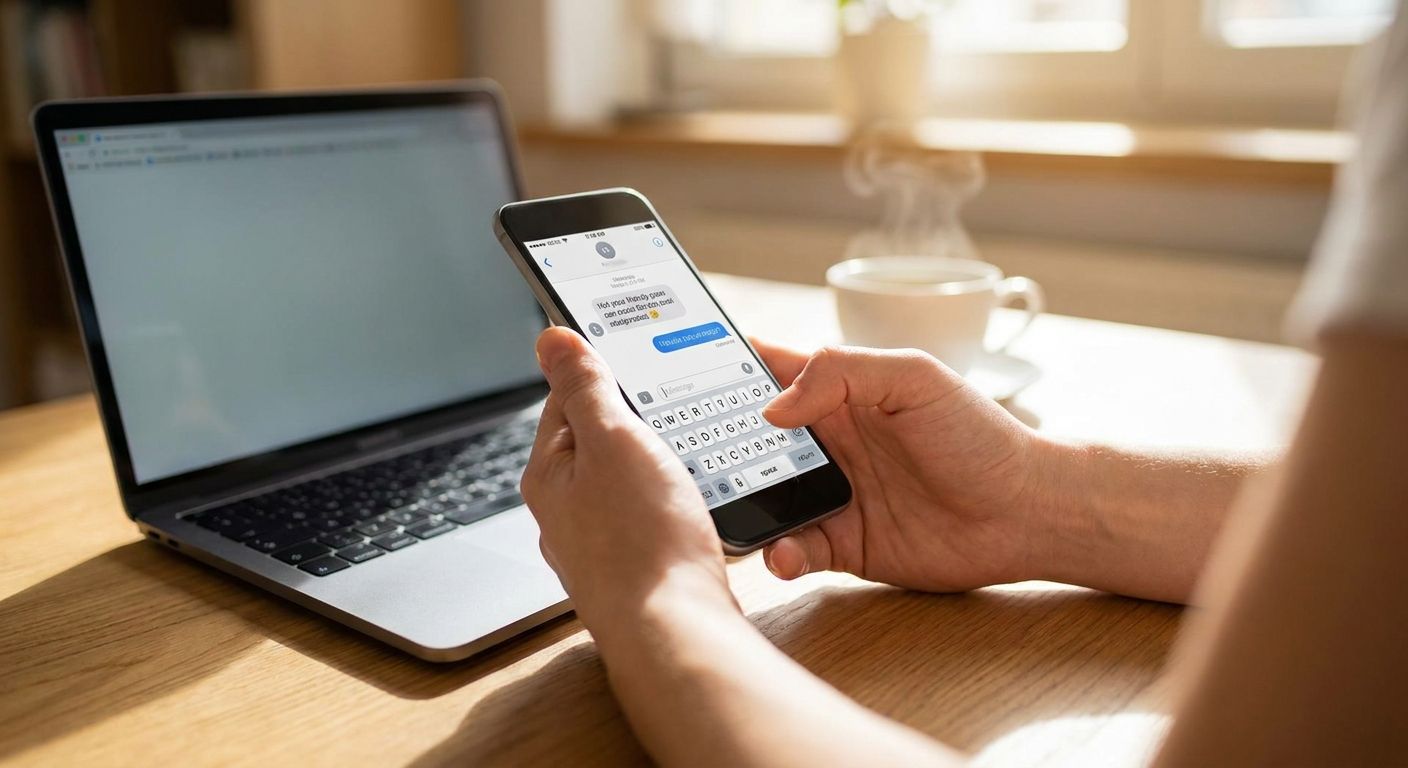
Payment reminder texts stop feeling pushy the moment you strip out guilt language and stick to facts: amount, due date, and a way to pay. This guide covers exactly what to say, when to say it, and how many times before you're just nagging.
Send payment reminder texts that state the amount and due date plainly, offer an easy way to pay, and never chain more than one reminder per week. The pushy feeling comes from tone and frequency, not from asking for money — a text that names the invoice number and skips exclamation points reads as helpful, not aggressive. Time reminders three to five days before the due date, on the due date, and once after, then stop until the next invoice cycle.
- State the amount, due date, and a payment link in every reminder text — skip guilt language entirely.
- Send at most three reminders per invoice: before, on, and after the due date.
- Add a reply-STOP opt-out line to stay compliant with business texting regulations in 2026.
- A shared inbox like VirtualText routes replies to a real person before a customer gets frustrated.
Why this matters
A payment reminder text gets read faster than an email sitting in an inbox, but a badly worded one damages the customer relationship more than a late invoice ever will. Small service businesses — plumbers, dental offices, salons — lean on texting in 2026 because it's fast, but fast also means a rushed, all-caps "PAST DUE" text can land wrong in three seconds flat.
The fix isn't fewer reminders. It's better-written ones sent on a schedule the customer can predict, similar to how appointment reminder texts work when they're done right — informative, not naggy.
How do you send a payment reminder text without sounding pushy?
Follow this order every time:
- Open with the account or invoice number, not "you owe us." Specificity reads as organized, not accusatory.
- State the amount and due date in the first sentence. Don't make the customer scroll to find the number.
- Add a one-tap payment link. Friction is what turns a reminder into a phone call you didn't want to make.
- Keep the tone neutral. No exclamation points, no bold "URGENT," no red flags in the copy itself.
- Give a way to reply if something's wrong. "Already paid? Reply here" heads off a defensive customer before they get one.
- Stop after the invoice clears or after three attempts. A fourth reminder on the same invoice is where pushy starts.
Reminder 1: Before the due date (friendly nudge)
Example: "Hi [Name], just a heads up — your invoice #1042 for $[Amount] is due [Date]. Pay here: [link]. Questions? Reply to this text." This one carries zero pressure. It's information, sent early enough that being late still feels avoidable.
Reminder 2: On the due date
Example: "Hi [Name], invoice #1042 for $[Amount] is due today. Pay here: [link]. Let us know if you need more time." The tone stays flat and factual. Offering more time here, before anything is overdue, keeps the relationship intact.
Reminder 3: After the due date (overdue)
Example: "Hi [Name], invoice #1042 for $[Amount] was due [Date] and hasn't been paid yet. Pay here: [link], or reply if you'd like to set up a plan." This is the last automated text on that invoice. Past this point, a phone call does more good than a fourth message.
Why reminder texts read as pushy
- Sending more than three texts per invoice — after that, it's a collection campaign, not a reminder.
- All-caps words or exclamation points — "PAST DUE!!" reads as a threat, not a nudge.
- No payment link — forcing a customer to call or log into a portal adds friction that reads as inconvenient, which reads as annoying.
- Texting outside normal hours — reminders sent before 8 a.m. or after 9 p.m. feel invasive regardless of wording, and many state texting rules mirror that same window.
- No opt-out or reply option — a one-way blast feels like a robocall even when a person wrote it.
- Sending from a personal cell number — customers can't tell if it's really the business, which is one reason more service teams text customers without using a personal phone and route everything through a shared business line instead.
“A payment reminder text that states the amount and due date without an exclamation point rarely reads as pushy — length and volume are what create the pressure.”
A shared inbox tool like VirtualText logs every reminder text automatically, so two team members never send the same invoice notice twice, and replies land in one place instead of a personal phone. That matters most for businesses juggling dozens of invoices a week, where manual tracking is how duplicate — and genuinely pushy — reminders happen in the first place.
Before automated texting, most reminder chains had to stay compliant manually, invoice by invoice. Reviewing current business texting regulations before setting up a reminder sequence in 2026 avoids opt-in mistakes that cause more damage than a poorly worded text ever would.
Send reminders without the awkward calls
See how VirtualText handles friendly, compliant payment texts for service businesses.
Is it legal to send payment reminder texts?
Yes, sending payment reminder texts is legal in 2026 when the customer has given consent to be texted, typically gathered at signup or on an invoice form. Automated or bulk reminder texts fall under the same consent rules as other business texting, so an opt-out line like "Reply STOP to unsubscribe" isn't optional — it's expected on every message.
How many payment reminder texts should you send before calling?
Three reminder texts per invoice is the practical ceiling before a phone call makes more sense than another text. One before the due date, one on the due date, and one after covers the full cycle without turning into repeated pressure on the same balance.
Should you send payment reminders by text or email?
Text for the reminder, email for the paper trail — texts get read within minutes for most people, while invoice emails often sit unopened for days. Many small businesses run both: a short text with a payment link, backed by an emailed copy of the invoice for records.
FAQ
How do you send a payment reminder text without sounding pushy?
State the invoice number, amount, and due date in a neutral tone, include a payment link, and cap it at three reminders per invoice. Avoid exclamation points, all caps, and texting outside normal business hours.
What should a payment reminder text say?
Include the invoice number, the exact amount owed, the due date, a one-tap payment link, and a way to reply with questions. Keep it under three sentences.
How many payment reminder texts should you send?
Three reminder texts per invoice is the practical limit: one before the due date, one on the due date, and one after. A fourth reminder on the same balance usually calls for a phone call instead.
Is it legal to text customers about unpaid invoices?
Yes, as long as the customer has opted in to receive texts and every message includes an opt-out option. Business texting regulations require consent before sending automated payment reminders.
What's the best time to send a payment reminder text?
Send between 8 a.m. and 9 p.m. local time, which mirrors standard texting-hour guidance in most states. Reminders sent overnight or at dawn feel invasive regardless of wording.
Should a payment reminder include a late fee warning?
Only on the final, post-due-date reminder, and only if the late fee is real and already disclosed on the invoice. Threatening a fee that isn't actually enforced reads as pushy and erodes trust.
Can a shared inbox stop duplicate payment reminders?
Yes, a shared inbox tool logs every sent text so no two team members message the same customer about the same invoice. This is one reason service teams move reminders off personal phones and into a shared platform.
Is texting or emailing better for overdue invoices?
Text for speed, email for the paper trail — most people open a text within minutes, while invoice emails can sit unread for days. Running both together covers speed and documentation.
One last thing
Most texting-hour guidelines in 2026 still trace back to the same window used for phone calls: no contact before 8 a.m. or after 9 p.m. in the recipient's time zone. Set your reminder schedule around that window and the biggest source of "pushy" complaints — timing, not wording — disappears on its own.


