
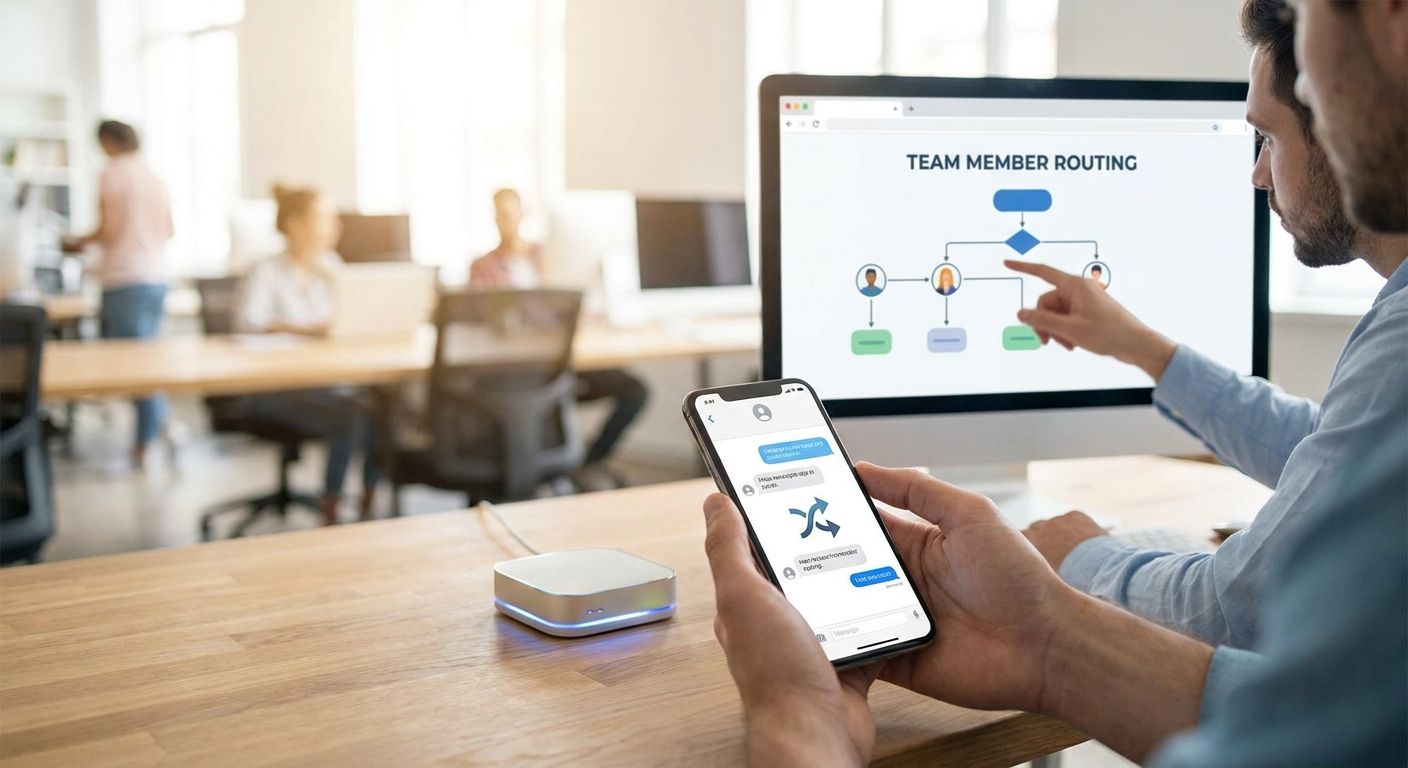
Texts and website chats land in one inbox, and whoever's free grabs them first. That works until three people reply to the same lead, or nobody replies for six hours because everyone assumed someone else had it.
This guide walks through routing texts and chats to team members by role, hours, and keyword, using a shared inbox and simple rules instead of guesswork.
- VirtualText's shared team inbox is the fastest fix for how to route texts and chats to team members without buying a full call center system.
- Routing rules by business hours, keyword, or location stop duplicate replies and dropped leads in 2026.
- An AI agent can handle after-hours texts and hand off qualified leads to a human the next morning.
- Test every routing rule with a real message before trusting it with live customers.
Why this matters
A missed text doesn't feel urgent the way a missed call does. It sits there, unanswered, while the customer texts a competitor. Service businesses that rely on texts and website chat for new leads lose that business the moment a message goes more than an hour without a reply.
Routing fixes the ownership problem, not just the speed problem. When every incoming text or chat has a clear owner — a person, a team, or an AI agent for after-hours coverage — nothing sits in a general inbox waiting for someone to notice it. That's the difference between a texting setup that scales past two or three people and one that falls apart the first time someone takes a sick day.
What you'll need
- A shared team inbox for customer texts that all incoming SMS and webchat messages land in
- A list of your team members and their coverage hours, including who covers after-hours and weekends
- Business hours defined for each location or department, if you run more than one
- A short list of keywords or intents worth routing separately ("quote," "emergency," "billing," "appointment")
- 30-45 minutes to set up rules and another 15 minutes to test them with real message scenarios
- Optional: an AI agent to catch messages when the team is offline
The steps
1. Map your team's roles and coverage hours
Write down who handles what before touching any software. A five-person service team usually splits into sales/quotes, scheduling, and support — and each of those has different hours.
This step matters because routing rules are only as good as the map behind them. Skip it and you'll build rules that route a billing question to the sales rep who's never seen an invoice.
Common mistake: building routing rules around job titles instead of actual availability. If your "scheduling" person is out every Tuesday, the rule needs to know that.
2. Centralize texts and chats in one shared inbox
Every text and website chat needs to land in the same place, visible to the whole team, not scattered across personal phones. A shared inbox tool shows who's replied, who's typing, and what's still unassigned.
Without this, routing is impossible — you can't assign what you can't see. Once texts and chats are centralized, assigning by rule or by claim becomes a five-second action instead of a phone call asking "did anyone get back to that guy?"
Expected outcome: every incoming message has a visible status — new, assigned, or answered — within seconds of arriving.
3. Build routing rules by hours, location, or keyword
Set rules that route messages automatically based on when they arrive, where the customer is, or what they're asking for. A 7 p.m. text goes to your after-hours coverage. A message containing "emergency" jumps the line ahead of a general inquiry.
This step turns a shared inbox from a bulletin board into an actual dispatch system. Most platforms let you stack two or three conditions — hours plus keyword, for example — so a late-night emergency text still reaches someone instead of waiting for morning.
Common mistake: routing everything to one "catch-all" person during off-hours. That person becomes a bottleneck and a single point of failure the day they're unreachable.
4. Assign an AI agent to cover after-hours and overflow
For the hours nobody's watching the inbox, an AI agent that qualifies service leads can answer basic questions, collect the customer's name and issue, and flag anything urgent for a human first thing in the morning.
This matters because after-hours texts and website chats are often the highest-intent leads — someone found your site at 9 p.m. because they have a problem right now. An AI agent that responds immediately, even without booking anything, keeps that lead warm instead of cold.
Expected outcome: every after-hours message gets an instant reply and a qualified summary waiting in the inbox by the time your team logs in.
5. Test routing rules with real message scenarios
Send test texts and chats that mimic actual customer behavior: one during business hours, one at 11 p.m., one with an urgent keyword, one with a typo in the keyword. Confirm each one lands with the right person or the AI agent.
Skipping this step is how a rule that looked right on paper quietly fails for three weeks before anyone notices a lead never got a reply.
Common mistake: testing only the happy path. Test the message that doesn't match any keyword and confirm it has a default owner, not a dead end.
6. Train the team on response-time expectations
Routing gets a message to the right person, but someone still has to reply. Set a clear expectation — most service teams aim to reply to texts within 15 minutes during business hours — and make sure everyone knows it applies even when a message wasn't "theirs" originally.
A routing system with no response-time culture behind it just moves the bottleneck instead of removing it.
Expected outcome: assigned messages get a first reply inside the agreed window, tracked in the shared inbox's activity log.
7. Review and adjust rules monthly
Staffing changes, seasons shift, and keyword patterns evolve. Check monthly whether routing rules still match who's actually covering which hours and which keywords customers are actually using.
A rule set built in January for a two-person team doesn't hold once you've hired a third person or added weekend hours.
Set up routing before the next missed text
See how VirtualText assigns texts and chats to the right person, every time.
Troubleshooting
- Messages sit in a general inbox with no owner. Add a default routing rule that assigns anything unmatched to a specific person, not "whoever sees it."
- Two team members reply to the same customer. Turn on assignment locking so a message shows as claimed the moment someone opens it.
- After-hours texts go unanswered until morning. Route off-hours messages to an AI agent instead of leaving them in the queue overnight.
- A keyword rule catches the wrong messages. Keywords like "quote" can trigger on unrelated texts ("what's your quote turnaround usually like?"). Narrow the rule or add a second condition.
- Rules break when someone's out. Build a backup routing path for each team member so their coverage doesn't disappear when they're sick or on vacation.
- Customers get stuck with an AI agent and no way to reach a person. Set a clear escalation trigger — three unanswered questions, or the word "agent" — that hands the conversation to a human.
Tools and resources
- A team inbox for dispatchers if your business runs field crews and needs to route by job type or territory
- A documented list of routing rules, reviewed monthly
- A shared calendar showing who's on after-hours coverage each week
- An escalation path from AI agent to human, written down and tested
What to do next
Once routing is live, the next gap for most service teams is the website itself — visitors who'd rather type a question than call. Combining texting with live website chat closes that gap without adding a second tool to manage.
FAQ
How do you route texts and chats to the right team member?
Route texts and chats using rules based on business hours, keywords, or location inside a shared team inbox. A default rule for unmatched messages and an after-hours AI agent close the gaps a manual system misses.
What's the best way to handle after-hours texts in 2026?
An AI agent that answers immediately and collects the customer's issue is the most reliable way to handle after-hours texts in 2026. It keeps the lead warm until a team member picks it up in the morning.
Is a shared inbox better than routing texts to individual phones?
Yes, a shared inbox is better because everyone can see message status, avoiding duplicate replies and dropped leads. Individual phones make coverage gaps invisible until a customer complains.
How much does business texting software cost?
Flat-rate business texting platforms for small teams commonly run around $89 a month in 2026, covering SMS, webchat, and a shared inbox in one plan rather than charging per feature.
Can AI handle customer texts without sounding like a bot?
A well-configured AI agent handles routine questions in plain conversational replies, not scripted menus, and hands off to a person once a question needs judgment. The goal is a natural exchange, not a phone-tree feel translated into text.
How many routing rules does a small team actually need?
Most small service teams need three to five routing rules: business hours, after-hours, one or two urgent keywords, and a default catch-all. Adding more than that usually creates conflicts instead of clarity.
What happens if two team members claim the same text?
Assignment locking in a shared inbox prevents this by marking a message as claimed the moment someone opens or replies to it. Without locking, duplicate replies are one of the most common routing failures.
Should routing rules be reviewed regularly?
Yes, review routing rules monthly since staffing, hours, and common customer keywords change throughout 2026. A rule set that fit a two-person team in January often breaks once headcount or hours shift.
One last thing
The teams that get routing right treat the after-hours AI agent as a lead-catcher, not a customer service replacement — it collects the details, a human closes the loop the next morning, and nobody scrolls through forty missed texts trying to figure out who never got answered.


