
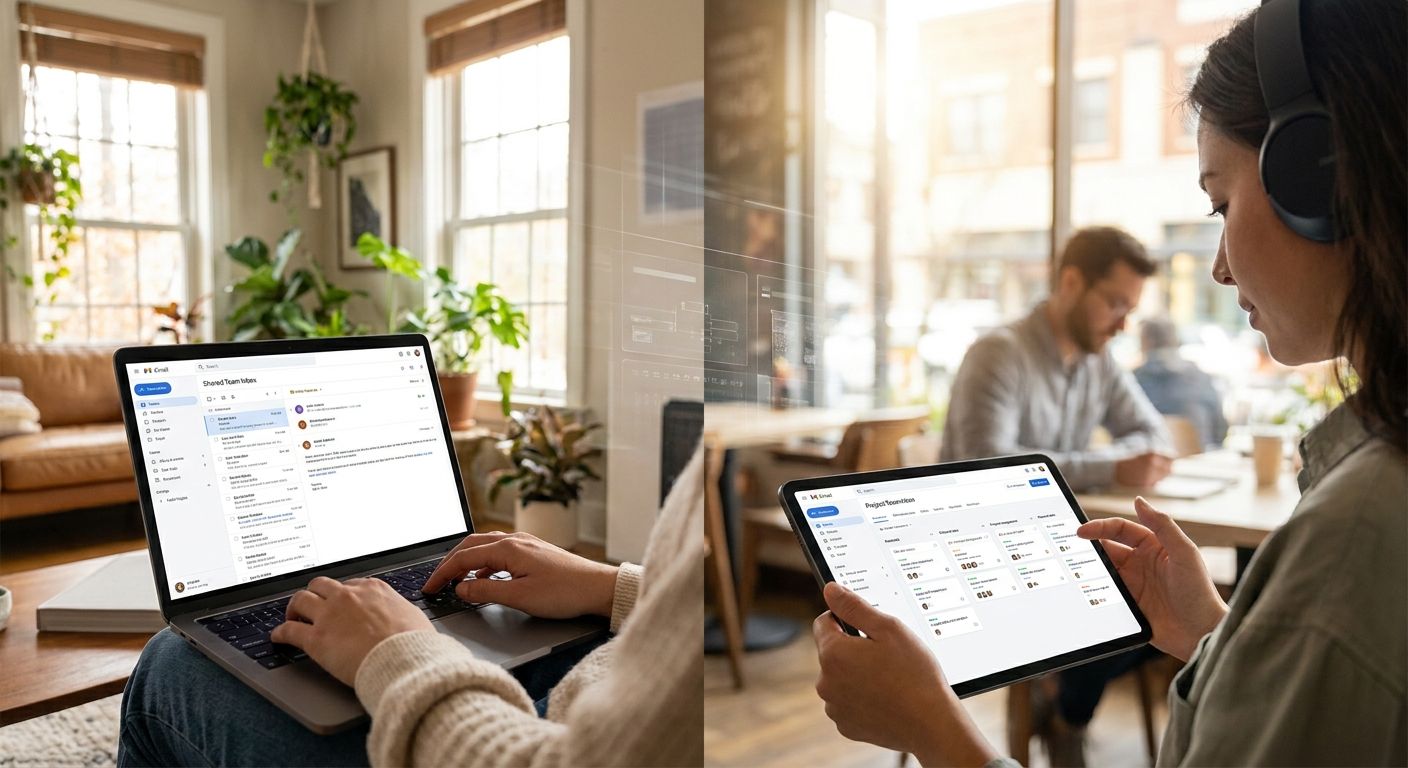
When your team answers texts and webchats from three locations on three different phones, messages get answered twice, ignored once, or lost between shift changes. Here's the exact setup that keeps a team inbox organized across locations in 2026, from consolidating numbers to routing rules that actually hold up.
- Keeping a team inbox organized across locations means one shared inbox, not five personal phones passing screenshots.
- VirtualText centralizes texts and webchat into one shared inbox for $89 a month flat rate in 2026.
- Routing rules by location or skill cut duplicate replies faster than manual forwarding ever will.
- A weekly 10-minute audit catches unassigned conversations before a customer notices the silence.
Why this matters
Multi-location service businesses lose leads in the gap between locations, not inside them. A customer texts your Denver number, gets no answer for six hours because the front desk assumed the Boulder team had it, and books a competitor instead. That gap is a routing problem, not a staffing problem.
Team inbox software for multi-location service businesses solves it by putting every conversation, no matter which location number it came in on, into one shared view your whole team can see and claim. Nobody has to guess who's covering what. In 2026, customers expect a reply within the hour whether they texted your main office or a satellite location, and a scattered inbox setup can't deliver that consistently.
The fix isn't more staff. It's structure: one inbox, clear ownership per conversation, and rules that route messages before a human has to sort them.
What you'll need
- A shared team inbox tool that pulls in texts and webchat from every location number, not just one
- A list of your locations and which staff cover each one
- Defined business hours per location, including any that differ from the main office
- A webchat widget on your site if you take leads through chat, not just SMS
- Ten to fifteen minutes to build routing rules before you go live
VirtualText (by VirtualPBX) runs this setup for a flat $89 a month, which covers SMS, webchat, the shared inbox, and an AI agent that can hold a conversation with a lead while your team is offline. No per-location add-on fees to plan around.
The steps
1. Pull every number and channel into one inbox
The first job is consolidation. If Location A texts come into one cell phone and Location B texts come into a different one, nobody outside those two phones can see what's happening. Add every business number and your webchat widget into the shared inbox so all of it lands in one place, tagged by source.
Expect this to take under an hour for most setups. The common mistake here is leaving one location's number out because "that office barely gets texts" — that's exactly the location where a missed message goes unnoticed longest.
2. Tag conversations by location, not just by staff member
Once everything lands in one inbox, tag or label each conversation by the location it came from. This matters more than tagging by staff member, because staff move between shifts but locations don't move.
A plumbing company with three service areas, for example, needs to know at a glance whether a text is a Denver job or a Boulder job before anyone touches it. Skip this step and you'll end up with a technician driving to the wrong side of town.
3. Set routing rules by location and skill
This is where an organized team inbox actually earns its keep. Build rules that route texts and chats to the right team member automatically based on the tag from step two, plus any skill flags — billing questions to the office manager, service requests to dispatch, and so on.
Without routing rules, every message dumps into a general queue and whoever's fastest grabs it, which leads to duplicate replies and gaps on slow days. With rules in place, a message from your Austin location never lands in your Dallas team's queue by accident.
4. Build canned replies per location
Different locations often need different answers — different hours, different addresses, different service areas. Build a small set of canned replies for each location's most common questions: hours, directions, pricing ranges, appointment booking links.
This cuts response time on repetitive questions from minutes to seconds and keeps wording consistent across staff. Review these every quarter; stale hours or an old address in a canned reply is worse than no canned reply at all.
5. Automate after-hours and off-shift coverage
Set automated after-hours responses per location so a text at 9 p.m. gets an immediate acknowledgment instead of silence until 8 a.m. An AI agent handling the first reply and basic qualifying questions means no location goes fully dark overnight.
The outcome you want: every conversation gets a response within minutes, 24/7, even if a human doesn't pick it up until morning. The mistake to avoid is turning on after-hours automation for one location and forgetting the others — inconsistent coverage confuses customers who deal with more than one of your locations.
6. Define escalation and reassignment rules
Decide what happens when a conversation sits unclaimed for 15 or 30 minutes, or when a customer asks something the front-line reply can't answer. Escalation rules should point to a specific backup person or location manager, not "whoever's around."
This prevents the slow bleed of conversations that nobody owns. Build a shared team inbox for customer texts with escalation baked in from day one rather than bolting it on after something slips through.
7. Run a weekly audit
Set a recurring 10-minute check: how many conversations went unanswered past your target response time, which location had the most, and whether routing rules sent anything to the wrong queue. This is the step most teams skip in year one and regret by year two.
Unify texts and chat across locations
One shared inbox, flat $89/month, no per-location fees.
Troubleshooting
Conversations sit unclaimed for hours. Your routing rules likely default to a general queue instead of a specific person. Assign a named backup for every location, not a shared "team" tag with no owner.
Two staff reply to the same customer. This happens when claim/assignment isn't visible in real time. Confirm your shared inbox marks a conversation as "claimed" the moment someone opens it, not just when they reply.
One location's hours never got updated in the after-hours automation. Set a calendar reminder tied to daylight saving time changes and seasonal hour shifts — this is the single most common cause of a bad after-hours reply in 2026.
Webchat leads get missed more than text leads. Webchat conversations often don't ring a phone the way SMS does. Confirm chat notifications are turned on for whoever's covering that shift, separate from text notifications.
Canned replies sound robotic or outdated. Rewrite them in the voice a real staff member would use, and cut anything longer than two sentences. Customers can tell when a reply was written for a script instead of for them.
Tools and resources
- A shared inbox platform built for multiple locations — see the best team inbox software for service businesses for a side-by-side look at what to prioritize
- A webchat widget on every location's site if you take leads through chat
- An AI agent for after-hours qualifying questions, so no location relies on a single person's phone being on
- A simple spreadsheet or dashboard tracking response time by location for the weekly audit
What to do next
Once your inbox is organized and routing correctly, the next gap to close is response speed after hours — that's usually where multi-location teams lose the most leads even after the inbox itself is clean. Look at how fast your team currently responds to a website chat submitted at 10 p.m. versus one submitted at 10 a.m.; if there's a multi-hour gap, that's your next fix.
FAQ
What's the best way to keep a team inbox organized across locations?
Consolidate every number and chat channel into one shared inbox, tag conversations by location, and set routing rules so messages go to the right person automatically. Manual forwarding between phones is the main cause of disorganization in 2026.
Is a shared team inbox better than separate phones per location?
Yes, a shared inbox is better for any business with more than one location because it gives every staff member visibility into what's been answered and what hasn't. Separate phones create blind spots that only show up when a customer complains about a missed reply.
How much does team inbox software cost for a multi-location business?
VirtualText runs a flat $89 a month covering SMS, webchat, the shared inbox, and an AI agent, with no per-location fees. Compare that flat structure against per-seat or per-location pricing before committing.
Can one inbox handle both texts and webchat?
Yes, a shared inbox built for service businesses pulls in SMS and webchat conversations into the same view so staff don't have to check two separate tools. This is standard in team inbox platforms as of 2026.
How do you route texts to the right team member automatically?
Set rules based on the location tag and the type of question, such as billing versus service requests, so conversations land with the right person without manual sorting. Escalation rules should also name a specific backup for anything unclaimed after 15 to 30 minutes.
What happens to messages after business hours?
With automation turned on, an after-hours reply goes out immediately and an AI agent can hold a basic conversation or collect details until a staff member picks it up. Without automation, after-hours messages typically sit until the next shift.
How often should you audit a team inbox?
Weekly is enough for most multi-location teams — a 10-minute check on unanswered conversations and response times per location catches routing problems before they become customer complaints.
Does a shared inbox work for healthcare or insurance front desks, not just home services?
Yes, the same shared-inbox structure applies to healthcare front desks, insurance agencies, and other service teams handling texts and webchat from multiple locations or departments. The routing and tagging logic doesn't change by industry.
One last thing
The teams that struggle most aren't the ones without software — they're the ones running a shared inbox with no routing rules, which just moves the chaos from five phones into one screen. Set the rules before you turn on the inbox, not after the first missed message.


