
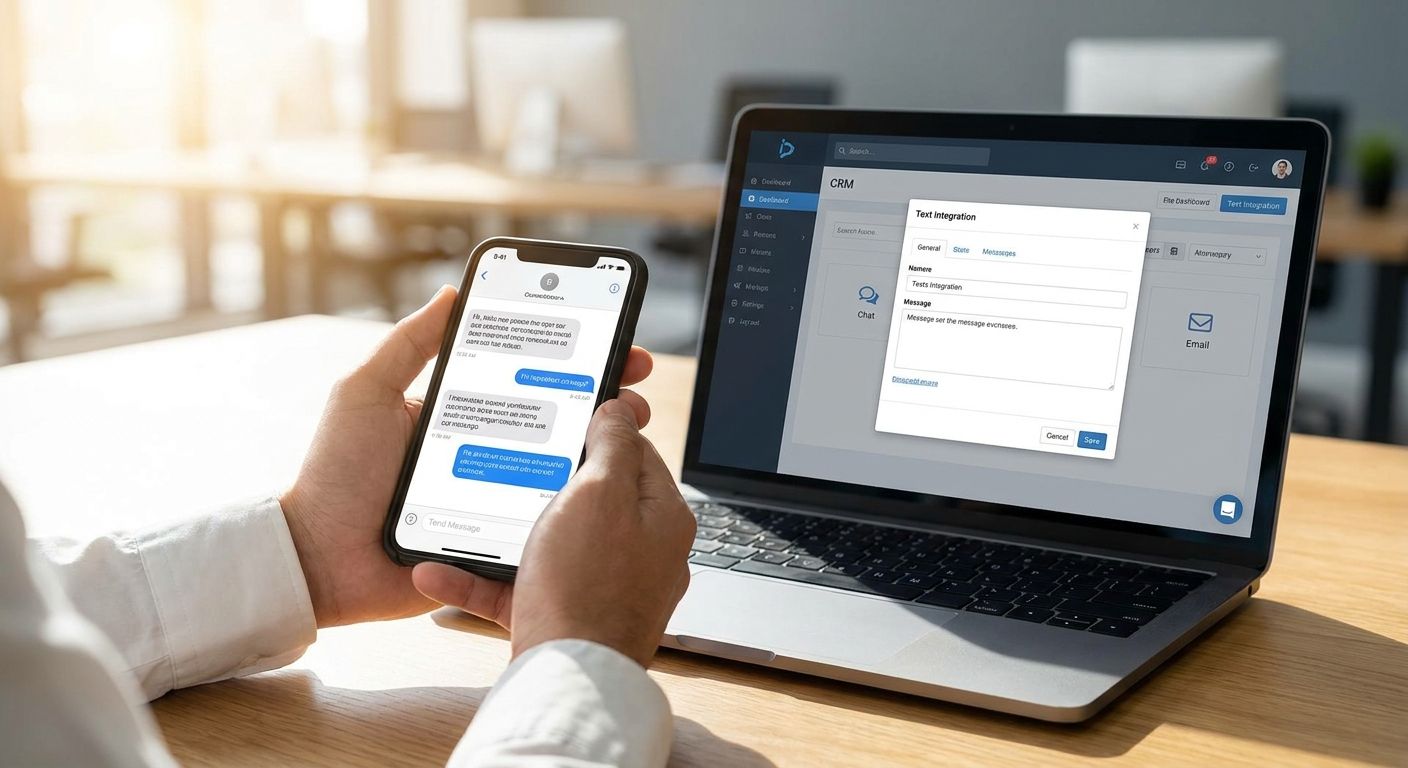
Businesses connect texting to a CRM one of three ways: a native API sync, no-code middleware like Zapier, or manual logging inside a shared inbox. No single method fits every team in 2026 — the right one depends on your CRM platform, your team size, and how much developer time you actually have.
- Native API sync, Zapier middleware, and manual logging are the three ways to integrate business texting with your CRM in 2026.
- Manual logging through a shared inbox like VirtualText needs no developer time and works the same day you set it up.
- API integrations sync messages automatically but usually require CRM admin access or developer hours.
- Pick the method based on your CRM platform, team size, and how fast leads need to move into a pipeline.
Why This Matters
A text sitting in a rep's personal phone instead of your CRM is a lead nobody else on the team can see, follow up on, or report against. VirtualPBX builds its texting tools around that exact problem: capture the conversation, then get it where the rest of the team already works.
Skipping CRM integration doesn't just create duplicate work. It means your pipeline reports are wrong the moment a deal moves forward by text instead of email — and in 2026, with more service businesses running lead intake by SMS, that gap shows up fast.
How Do You Integrate Business Texting With Your CRM?
Three methods cover almost every setup in 2026: a native API connection, no-code middleware, and manual logging through a shared inbox. Each trades setup effort for control — the deeper the integration, the more IT time it costs upfront.
| Method | Setup effort | Best for | Verdict |
|---|---|---|---|
| Native API integration | Needs CRM admin access, often a developer | Teams with in-house dev resources | Buy if you have the hours |
| Zapier or middleware automation | No code, browser-based setup | HubSpot, Salesforce, or Pipedrive users with a Zapier account | Buy for most small teams |
| Manual logging via shared inbox | Fastest, ready same day | Small service teams working texts in one place | Buy to start, revisit later |
Most small service teams should start with manual logging or middleware, not a custom API build — a developer project can take weeks, and most CRM platforms don't need one to get texts logged consistently.
Native API Integration Syncs Messages Automatically
A native API connection ties your texting platform directly to your CRM's contact and activity records. Every inbound and outbound text writes itself to the right contact card the moment it happens, with no rep action required.
HubSpot and Salesforce both publish public APIs that support this kind of two-way sync, which is why larger sales teams lean on it. The catch is setup: someone needs CRM admin permissions, and most builds still need a developer to map fields correctly and handle edge cases like opted-out numbers.
Verdict: Buy if you have developer hours to spend upfront — skip it if your team just needs texts logged reliably without a build cycle.
Zapier and Automation Middleware Connect Texting Without Code
Middleware tools like Zapier sit between your texting platform and your CRM, watching for a trigger — a new text received, a conversation closed — and pushing that data into a CRM field or activity log automatically. No developer is required; a marketing lead or office manager can usually build the connection in an afternoon.
The tradeoff is flexibility. Zaps handle straightforward triggers well but struggle with complex logic, like routing a text differently depending on which service line a customer mentions.
Verdict: Buy for most small teams already using a popular CRM — it's the middle ground between a full API build and doing everything by hand.
Manual Logging Through a Shared Inbox
The simplest path skips automated sync entirely. Reps handle every text and web chat inside one shared inbox, then log the outcome — a booked appointment, a quote sent, a lead disqualified — into the CRM by hand.
A shared inbox like VirtualText centralizes SMS and webchat conversations from service leads in one place, so reps aren't hunting across personal phones or a shared Gmail account for the last message a customer sent. It won't push data into your CRM automatically, but it removes the bigger problem first: conversations scattered across five different phones with no record anyone else can see. Teams that want the inbox and the CRM record to stay close can combine SMS and webchat into one team inbox before adding any automation on top.
Verdict: Buy to start if your team is small enough that one shared inbox covers your volume — revisit middleware once message volume outgrows manual logging.
Build one inbox for texts and chat
Get every SMS and webchat lead into a shared team inbox before you automate anything.
Why the Right Integration Method Varies
No two teams need the same setup. These factors decide which method actually fits:
- CRM platform — some platforms publish full public APIs, others limit what third-party tools can sync
- Team size and message volume — a two-person team rarely needs the same build as a twenty-rep sales floor
- Whether reps already work inside a shared inbox — adding sync on top of an existing habit is easier than changing behavior and tooling at once
- Compliance requirements — opt-out and consent records need to reach the CRM reliably, regardless of method
- Budget for developer time — a native API build is the most capable option and the most expensive to maintain
- How fast leads need to enter the pipeline — real-time sync matters more for high-volume sales teams than for service teams logging appointments
Does Integrating Texting With a CRM Require a Developer?
No, not for most small teams. Middleware tools like Zapier and manual logging through a shared inbox both work without a developer — a native API build is the only method that typically requires one.
Can You Integrate Business Texting With a CRM Without an API?
Yes, manual logging through a shared inbox works without touching a CRM's API at all. Reps handle the conversation in the inbox, then enter the outcome into the CRM themselves, which is slower per conversation but requires zero technical setup.
How Do You Keep CRM Contact Records in Sync With a Shared Inbox?
You keep records in sync by routing texts and chats to the right team member so the same person handling a lead in the inbox is also responsible for updating the CRM. Without a clear routing rule, conversations get answered by whoever is available and no one owns the follow-up record.
FAQ
What's the best way to integrate business texting with a CRM in 2026?
For most small teams in 2026, the best starting point is manual logging through a shared inbox or a Zapier-style middleware connection — both skip the developer time a native API build requires.
Is a native API integration better than Zapier for texting and CRM?
A native API integration syncs messages automatically with no manual step, but it needs CRM admin access and usually a developer, while Zapier covers most trigger-based needs without code.
How much does it cost to integrate texting with a CRM?
Cost depends entirely on the method: manual logging and most middleware setups add no extra build cost, while a custom API integration adds developer hours on top of your texting and CRM subscriptions.
Does HubSpot support business texting integration?
HubSpot publishes a public API that supports two-way sync with texting platforms, and it also connects through Zapier for teams that want a no-code setup.
Can a shared inbox replace CRM integration entirely?
A shared inbox centralizes texts and chats so your team stops losing conversations across personal phones, but it doesn't replace CRM integration if you need automatic pipeline updates without a manual logging step.
What happens if texting isn't connected to the CRM at all?
Conversations stay siloed on individual phones, no one else on the team can see lead history, and pipeline reports miss any deal that moved forward by text instead of email.
Do I need a developer to connect texting to my CRM?
No, not for middleware or manual logging setups — a developer is typically only needed for a native API build with custom field mapping.
How do opt-outs get tracked when texting is integrated with a CRM?
Opt-out and consent records need to pass to the CRM regardless of integration method, which is why compliance rules should be checked before texting customers at any volume.
One Last Thing
The integration method isn't usually where teams get burned — the opt-out record is. If a customer texts "STOP" and that request doesn't make it into the CRM the same way a new lead does, someone on your team will text that person again without knowing they already opted out. Before picking a sync method, confirm how opt-outs travel between your texting platform and your CRM, not just how new leads do — and check how to stay compliant with business texting regulations before rolling integration out past a pilot team.


