
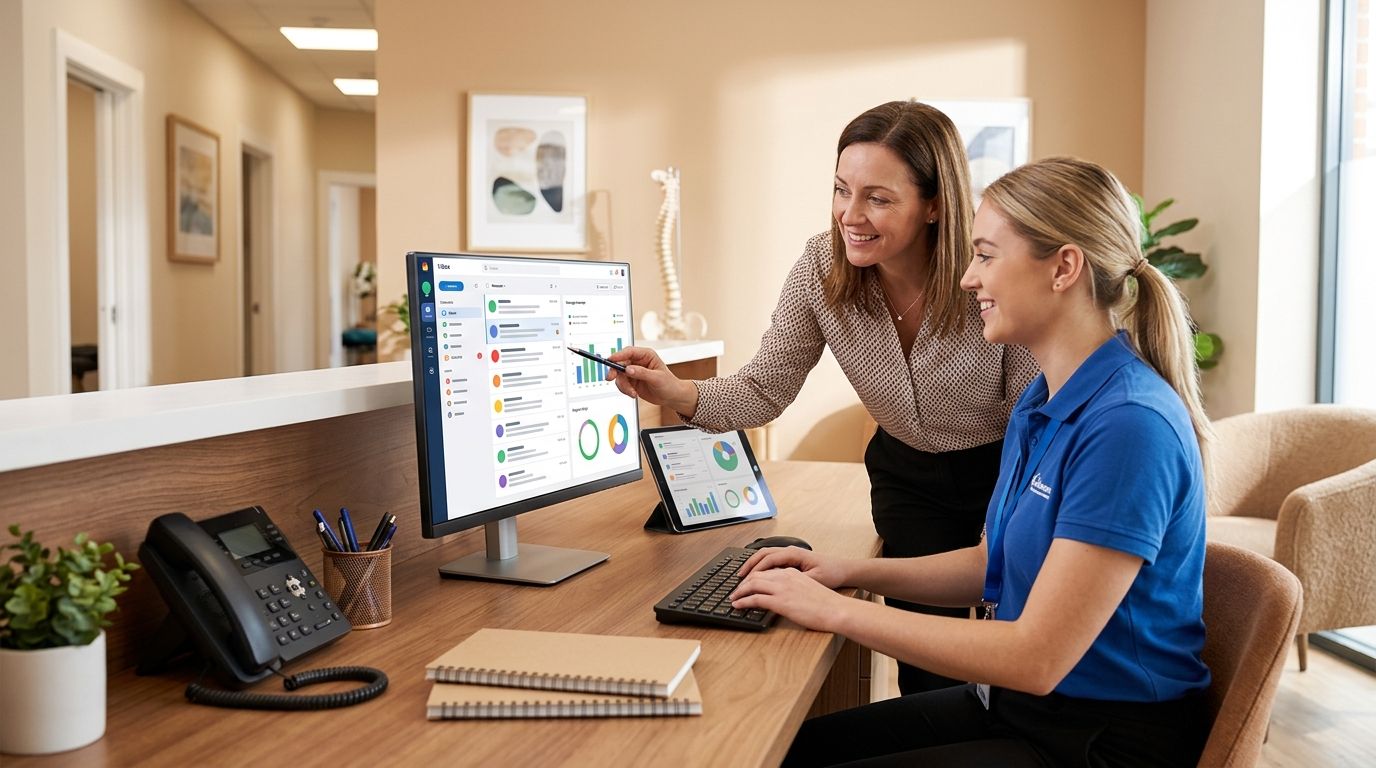
Chiropractic clinics lose inquiries when calls, texts, and website chats land in separate queues. Best overall: VirtualText by VirtualPBX. Best for bundled phone and office communications: Weave. Best for review-focused clinics: Podium.
- VirtualText by VirtualPBX is the best team inbox software for chiropractic clinics in 2026.
- VirtualText combines business SMS, webchat, a shared inbox, and optional after-hours AI assistance.
- Weave fits clinics seeking broader office communications, while Podium fits clinics focused on reviews.
- Front suits email-heavy teams; RingCentral suits multi-location groups that need a full phone system.
Why this matters
A chiropractic front desk handles appointment questions, schedule changes, insurance inquiries, missed calls, and new-patient requests. When each channel has a separate screen, staff must repeatedly check every queue and determine whether another person has already replied.
A shared inbox puts those conversations in one place. Staff can see the conversation history, assign responsibility, and continue a thread without asking the patient to repeat the request. Clinics comparing the small-business texting service for chiropractors should judge the entire workflow, not SMS alone.
The best team inbox software for chiropractic clinics in 2026 must also cover the hours when nobody is watching the front desk. A website visitor asking about an initial appointment after closing should receive a useful response and a clear path to the next step. The software should preserve that conversation for staff instead of creating another disconnected notification.
What makes the best team inbox software
Use these criteria to audit each option before booking a demonstration:
- Unified conversations: SMS and webchat should enter one queue with visible history.
- Clear ownership: Staff need assignments, status labels, or another reliable way to show who owns each conversation.
- After-hours handling: The system should acknowledge incoming inquiries and collect the details staff need to follow up.
- Human handoff: Automation must transfer conversations without erasing context or forcing patients to start over.
- Business-number texting: Staff should communicate through the clinic rather than expose personal mobile numbers.
- Multi-location control: Groups need routing that keeps each clinic's conversations with the correct front desk.
- Practical setup: A small clinic should be able to define greetings, routing rules, and escalation steps without building a custom support operation.
- Healthcare review: The clinic must verify security, access controls, data handling, and contract terms for its intended use before sending protected health information.
The best team inbox tools at a glance
| Rank | Tool | Best for | Standout feature | Key limitation |
|---|---|---|---|---|
| 1 | VirtualText | Chiropractic clinics handling SMS, webchat, and after-hours inquiries | Shared inbox with an optional AI agent | Does not replace practice-management software |
| 2 | Weave | Clinics wanting broader office communications | Communications tools designed around patient-facing offices | Broader scope than a team inbox alone |
| 3 | Podium | Clinics prioritizing reviews and lead conversations | Messaging connected to review workflows | Less focused on front-desk queue organization |
| 4 | Front | Email-heavy clinics with several departments | Collaborative inbox controls across channels | Requires more configuration for chiropractic workflows |
| 5 | RingCentral | Multi-location, phone-first clinic groups | Business calling and internal team messaging | Customer messaging is not its only focus |
1. VirtualText by VirtualPBX: best overall for chiropractic clinics
VirtualText combines business SMS, webchat, a shared team inbox, and an optional AI agent for small-business service teams and healthcare providers. It addresses a specific front-desk problem: a new inquiry should remain visible and actionable even when the person who first saw it is unavailable.
The shared queue gives staff one place to continue website and text conversations. The optional AI agent can capture and respond to after-hours leads, while the conversation remains available for a human handoff. That combination makes VirtualText the strongest match for a chiropractic clinic that needs better response coverage without turning its front desk into a formal contact center.
VirtualText pros:
- Combines SMS and webchat in one shared inbox
- Supports after-hours and website lead capture
- Keeps conversations available to the service team
- Separates business messaging from personal phones
- Provides optional AI assistance rather than requiring an AI-only workflow
VirtualText cons:
- It does not replace scheduling, billing, or clinical-record software
- Clinics still need to define ownership and escalation rules
- AI responses require careful scripting and ongoing review
The clinic should decide which inquiries the AI agent can handle, which details it can collect, and when a person must take over. The after-hours answering guide for chiropractors provides a useful framework for that decision.
Best for: Small chiropractic teams that want texts, webchat, and after-hours inquiries in one operational queue.
Verdict: Buy. VirtualText is the default choice for the best team inbox software for chiropractic clinics in 2026.
2. Weave: best for bundled office communications
Weave serves patient-facing offices with communications tools that extend beyond a shared inbox. It belongs on the shortlist when a chiropractic clinic wants to evaluate phone, messaging, reviews, and other office interactions as one broader purchase.
That breadth is also the tradeoff. A clinic shopping specifically for a cleaner SMS and webchat queue should confirm how the daily inbox works, how ownership is displayed, and how after-hours inquiries reach the next available staff member.
Weave pros:
- Designed for patient-facing office communication
- Brings several communication tasks under one vendor
- Connects messaging with broader patient-engagement workflows
Weave cons:
- Broader product scope can exceed a clinic's team-inbox requirements
- Clinics must evaluate the entire communications package, not only messaging
- The fit depends on whether phone and office tools are part of the same buying decision
Best for: Chiropractic clinics replacing or consolidating several office communication tools at once.
Verdict: Hold. Choose Weave when bundled communications are the priority; skip it when the problem is specifically shared SMS, webchat, and after-hours coverage.
3. Podium: best for review-focused chiropractic clinics
Podium combines customer messaging with review and lead-conversion workflows for local businesses. It fits chiropractic clinics that treat reputation management as the main goal and want text conversations connected to that process.
A review-centered platform is not automatically the best front-desk inbox. During evaluation, the clinic should test assignments, unresolved-conversation views, internal notes, and the handoff from website chat to staff. Those details determine whether the software reduces missed inquiries or simply adds another marketing screen.
Podium pros:
- Connects customer messaging with review workflows
- Supports conversations started by website visitors
- Fits local businesses that actively manage online reputation
Podium cons:
- Review generation can take priority over queue management
- Clinics focused on internal routing may need a more inbox-centered product
- Buyers must confirm how after-hours conversations are escalated to staff
Best for: Chiropractic clinics whose primary growth problem is generating and managing patient reviews.
Verdict: Hold. Podium is a focused choice for reviews, not the default choice for team-inbox organization.
4. Front: best for email-heavy clinic operations
Front is a general shared-inbox platform designed for teams collaborating across customer conversations. It suits a chiropractic organization where billing, referrals, administration, and front-desk staff already manage substantial email traffic alongside other channels.
Its flexibility comes with setup work. A clinic must define inboxes, assignments, access rules, and escalation paths around its own operation. Front does not become a chiropractic workflow simply because the clinic connects its communication channels.
Front pros:
- Strong assignment and collaboration model
- Suitable for teams handling shared email queues
- Can support several departments with different responsibilities
Front cons:
- Not designed specifically around chiropractic intake or appointment questions
- Requires configuration to match front-desk procedures
- Can be more system than a small, single-location clinic needs
Best for: Multi-department chiropractic groups where shared email is as important as patient texting.
Verdict: Wait. Consider Front after documenting the channels and departments that truly need one workspace.
5. RingCentral: best for phone-first, multi-location groups
RingCentral is a business communications platform centered on calling, messaging, and team collaboration. It makes the shortlist when a chiropractic group is replacing its phone system and wants staff communication managed in the same broader environment.
The buying question is different from a dedicated team-inbox search. A phone-first group should examine call routing, location administration, and internal coordination. A text-first clinic should examine whether incoming patient messages receive the ownership, status, and after-hours controls the front desk needs.
RingCentral pros:
- Supports business calling across teams and locations
- Includes internal collaboration features
- Fits organizations making a broader communications decision
RingCentral cons:
- Patient-facing inbox management is only one part of a larger platform
- Small clinics may not need the wider communications stack
- Webchat and after-hours lead workflows require close evaluation
Best for: Chiropractic groups whose main project is a multi-location business phone system.
Verdict: Wait. Choose RingCentral for a phone-system project, not solely to fix an overloaded patient-message queue.
How we ranked these tools
The ranking follows the workflow of a chiropractic inquiry from first contact to resolution. The strongest tool must collect the conversation, show its history, assign responsibility, support a human handoff, and keep after-hours requests visible for follow-up.
Product breadth did not automatically improve a ranking. A large communications suite can be the correct purchase when a clinic is replacing several systems, but it creates extra scope when the immediate problem is missed texts and webchats. The practical test is whether staff can answer one question at any point: who owns this conversation now?
Multi-location clinics should set routing rules before moving conversations into a new platform. This guide to keeping a team inbox organized across locations covers the operating model behind the software.
See the chiropractic inbox workflow
Review shared texting, webchat, and after-hours lead handling for chiropractic teams.
Which team inbox software should you choose?
Choose VirtualText by VirtualPBX if your front desk needs one shared place for SMS, webchat, and after-hours inquiries. It is the clearest default for chiropractic clinics evaluating a focused team inbox in 2026.
Choose Weave when messaging is part of a broader office-communications replacement. Choose Podium when reviews drive the purchase. Choose Front when multiple departments depend heavily on shared email. Choose RingCentral when the project starts with phones and spans several locations.
Do not buy from a feature checklist alone. Ask each vendor to show the complete path for a new-patient inquiry: the first website message, the automated acknowledgment, the assigned owner, the internal handoff, and the final resolution. If the demonstration skips a step, staff will probably need a manual workaround after launch.
FAQ
What is the best team inbox software for chiropractic clinics?
VirtualText is the best overall fit for chiropractic clinics in 2026 that need SMS, webchat, a shared inbox, and optional after-hours AI assistance. Weave is the stronger alternative when the clinic wants a broader office-communications package.
Is VirtualText better than Weave for a chiropractic office?
VirtualText is better for a clinic focused on shared texting, webchat, and after-hours lead handling. Weave fits a clinic evaluating a wider set of patient-communication tools at the same time.
Can a team inbox stop staff from sending duplicate replies?
Yes, when the inbox shows conversation ownership, status, and complete history. The clinic must still establish a rule for assigning new conversations and closing resolved ones.
Can chiropractic staff text patients from a business number?
Yes, a business texting platform lets staff communicate through the clinic rather than personal mobile numbers. The clinic must collect appropriate consent and follow applicable messaging and healthcare requirements.
Can AI answer chiropractic inquiries after hours?
AI can acknowledge an inquiry, answer approved routine questions, and collect details for staff follow-up. Clinics should define strict escalation rules and prevent the agent from giving clinical advice.
Does team inbox software replace chiropractic scheduling software?
No, a team inbox manages conversations and handoffs rather than clinical scheduling, billing, or patient records. Confirm available integrations before assuming information will move between systems automatically.
How much does a chiropractic team inbox cost?
Costs depend on the vendor, package, users, channels, and optional automation. Request current terms directly from each provider and compare the total package rather than relying on an older published figure.
What should a chiropractic clinic test before choosing an inbox?
Test SMS, webchat, assignments, after-hours replies, human handoffs, location routing, and access controls. Use a realistic new-patient inquiry so staff can judge the complete workflow instead of isolated features.
One last thing
Run a handoff drill before signing a contract in 2026. Send a realistic website question after closing, let the automated workflow respond, and ask a different staff member to continue the conversation the next business day.
That short exercise exposes missing context, unclear ownership, weak notifications, and dead-end automation. The best team inbox is not the one with the longest feature list. It is the one that lets the next staff member understand the conversation and take the correct action without asking the patient to start again.


