
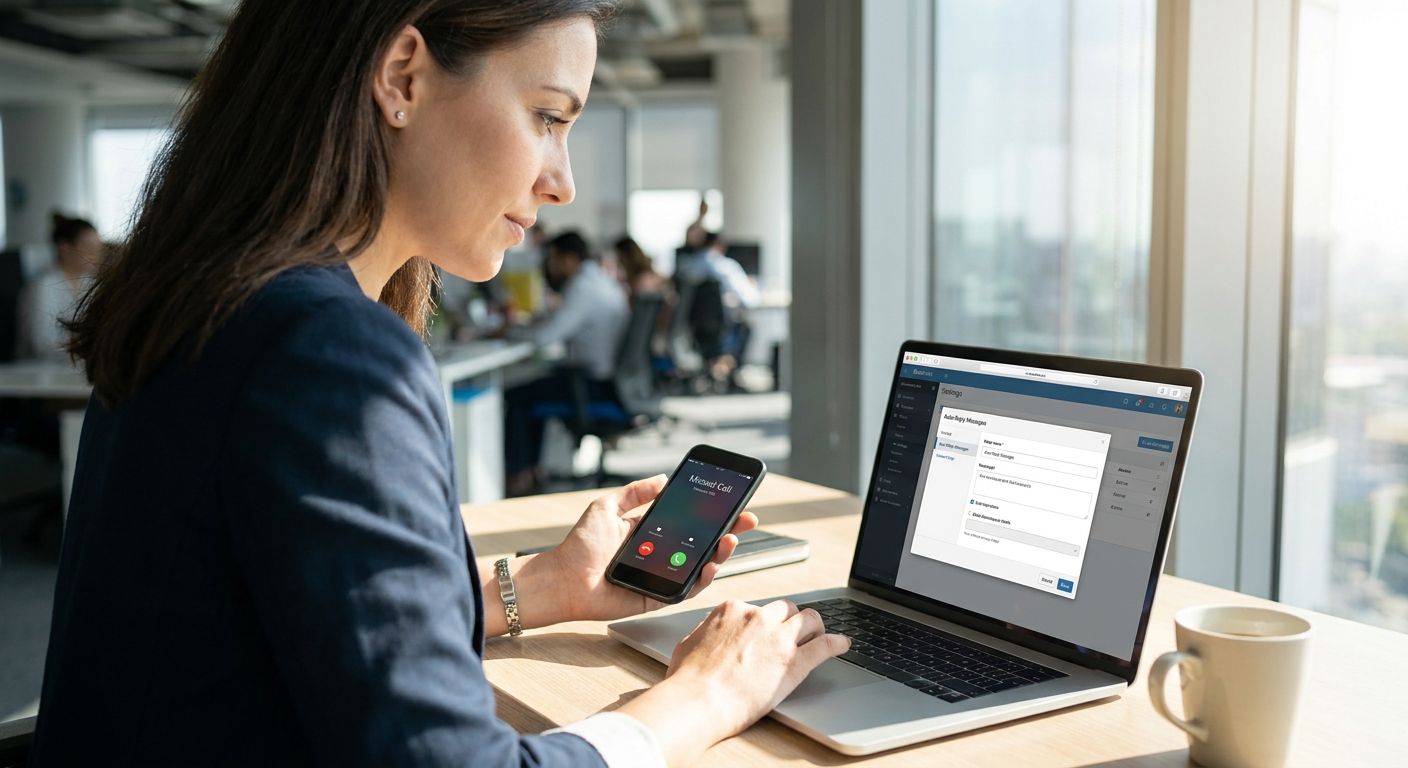
A missed call after hours or during a rush shouldn't cost you a customer. Missed call text back automatically sends a text to anyone whose call you couldn't answer, so they get a response in seconds instead of silence. Here's how to set it up for your business in 2026, step by step.
- Missed call text back needs an SMS-enabled phone system; VirtualPBX Smarter Voice starts at $15 per user per month. Buy.
- Setup runs under an hour once your number is active, with no contract required to start.
- Service teams juggling calls, texts, and web chat get more value from a dedicated missed call text back tool for contractors than from SMS alone.
- Test the auto-text on a real missed call before launch to catch double-texting or wrong triggers.
Why this matters
A ringing phone that goes unanswered is a lead walking to a competitor. Home services, healthcare offices, and insurance agencies lose the most here because callers rarely leave voicemails anymore — they just call the next number on the list.
Missed call text back closes that gap without hiring anyone. The system watches for a missed call and fires off a text like "Sorry we missed you, we'll call back shortly" within seconds. It's not a chatbot gimmick in 2026 — it's a baseline expectation for any small business fielding phone leads.
VirtualPBX builds this on top of a cloud business phone system, so the trigger lives in the same place as your call routing. No separate app to babysit, no missed-call spreadsheet to check at the end of the day.
What you'll need
- An active business number, either new or ported from your current provider
- A phone system with SMS/texting turned on for that number
- Admin access to your call routing or no-answer rules
- A short, pre-written auto-text message (one or two sentences, no jargon)
- One team member to place a test call before you go live
- 30-60 minutes total, most of it spent writing the message and testing
If your team already handles a high volume of after-hours calls — plumbing, HVAC, pest control, chiropractic offices — plan for a shared inbox too, so replies to the auto-text don't get lost between three people's phones.
The steps
1. Confirm your number supports SMS
This accomplishes the basic requirement everything else depends on — no SMS capability, no text back. Not every landline or legacy VoIP number can send texts, so check with your provider before building anything else.
Log into your account and look for a "messaging" or "SMS" toggle tied to your main business line. On VirtualPBX, this sits inside the Smarter Voice plan starting at $15 per user per month. Expected outcome: your number shows as SMS-enabled in the dashboard. Common mistake: assuming a forwarded cell number supports business texting — most carriers block automated SMS from personal lines.
2. Turn on no-answer call routing
This step defines when the text fires. Without a clear no-answer rule, your system won't know the difference between a busy signal, a hang-up, and an actual missed call.
Set the rule to trigger after a specific number of rings — four to six is standard for most small teams — or after the call drops to voicemail. Expected outcome: a test call that goes unanswered logs as "missed" in your call history within seconds. Common mistake: setting the trigger too early, so callers who would've waited get a text mid-ring, which reads as rude.
3. Write the auto-text message
This is what the customer actually sees, so it matters more than the technical config around it. A generic "we'll call you back" reads as robotic; a message with your business name and a time expectation reads as professional.
Keep it under 160 characters: "Hi, this is [Business Name] — sorry we missed your call. Text us here or we'll call back within the hour." Expected outcome: a message that sounds like a person wrote it. Common mistake: no opt-out language or business name, which looks like spam and gets flagged by carriers.
4. Set the trigger and delay
This controls timing — send too fast and it feels automated in a bad way, too slow and the customer's already called someone else. Most setups fire the text within 10-30 seconds of the missed call.
Decide if the text fires only on true misses, or also after a voicemail is left. Sending both a voicemail confirmation and a missed-call text to the same caller is the single most common complaint from customers. Expected outcome: one text per missed call, not two.
5. Add AI handling if you want smarter replies
This step accomplishes something a basic auto-text can't: holding a real conversation instead of a canned one-liner. If a caller texts back "What are your hours?" a static template can't answer that.
VirtualPBX offers AI FrontDesk as a $99 upgrade on top of Smarter Voice, which handles natural back-and-forth instead of a rigid phone-tree feel. For service businesses fielding a high volume of after-hours texts across SMS and web chat, a dedicated setup like the missed call text back tool for contractors is built specifically for that volume. Expected outcome: replies that answer real questions, not just acknowledge the miss. Common mistake: turning on AI replies without reviewing sample conversations first — check a handful before it goes live.
6. Route replies into a shared inbox and test live
This closes the loop — a text back that nobody answers is worse than no text at all. Route incoming replies to a shared inbox your whole team can see, not one person's personal phone.
Place a real test call from a cell phone, let it ring out, and confirm the text arrives, reads correctly, and any reply lands where your team actually checks. Expected outcome: a full round trip from missed call to team reply within a few minutes. Common mistake: testing only the outbound text and never checking that a reply actually reaches a live person.
See if Smarter Voice fits your team
Cloud calling with SMS starts at $15 per user per month, no contract.
Troubleshooting
- Text never sends: confirm the number is SMS-enabled and that the no-answer rule is actually attached to that line, not a forwarded extension.
- Customer gets two texts: check for overlapping rules — one triggered by missed call, another by voicemail. Turn off one of the two.
- Replies go unanswered: the reply is landing in an app or phone nobody checks daily. Route it to a shared inbox instead.
- Message gets flagged as spam: add your business name and an opt-out line; carriers block unregistered bulk-style texts in 2026 more aggressively than they did a few years ago.
- AI replies sound off-topic: review the sample script before launch and adjust tone — most issues trace back to a template that was never customized.
- Callers say they never got a text: verify the trigger delay isn't set so short it fires before the call even finishes ringing through.
If your team can't answer a text reply within the hour, the automation is only doing half the job.
Tools and resources
- Your phone system's call routing and messaging settings (start with VirtualPBX Smarter Voice at $15 per user per month)
- A pre-written message template, reviewed by whoever answers customer questions most often
- A shared inbox so replies don't sit in one person's phone
- Industry-specific setups already built for high call volume, like business SMS service for HVAC companies, if your team fields dozens of missed calls a week
What to do next
Once missed call text back is live, the next gap is usually after-hours coverage — calls that come in at 9pm with nobody there to route them at all. That's a separate setup from missed call text back, and worth reading about specifically if your call volume spikes outside business hours: see the AI answering service for home service businesses breakdown before you build that layer.
FAQ
How do I set up missed call text back for my business?
You need a phone number with SMS enabled, a no-answer routing rule, and a pre-written text template — most setups take under an hour. VirtualPBX Smarter Voice includes SMS starting at $15 per user per month, so the routing and texting live in one dashboard.
Does missed call text back cost extra?
It depends on your phone system — some include SMS in the base plan, others charge per message. Smarter Voice starts at $15 per user per month with texting included, and AI-handled replies are a $99 upgrade.
What should the auto-text message say?
Keep it short: your business name, an apology for the miss, and a time expectation for a callback. Avoid generic templates with no business name — carriers flag those as spam more often in 2026.
Can missed call text back handle real conversations, not just one message?
A basic setup sends one static text. Adding AI-handled replies, like VirtualPBX's AI FrontDesk upgrade, lets the system answer follow-up questions instead of just acknowledging the miss.
Is missed call text back the same as an auto-responder?
They're related but not identical. An auto-responder can fire on any inbound message; missed call text back specifically triggers when a call goes unanswered, which is the moment most likely to lose a customer.
Do I need a contract to set this up?
No — VirtualPBX runs on a no-contract basis with a 14-day money-back guarantee, so you can test the setup before committing long term.
How fast should the text go out after a missed call?
Within 10 to 30 seconds is standard. Faster feels automated in a bad way; much slower and the caller has already dialed someone else.
Can I port my existing number to set this up?
Yes, number transfers to a system like VirtualPBX happen without downtime, so your missed call text back setup works on the same number customers already have.
One last thing
The part most businesses skip is the reply loop — they set up the outbound text and never check whether anyone answers when a customer texts back. A missed call text back system that goes unanswered on the reply side does more damage than no system at all, because now the customer thinks they reached someone and got ignored twice.


